Tutorial
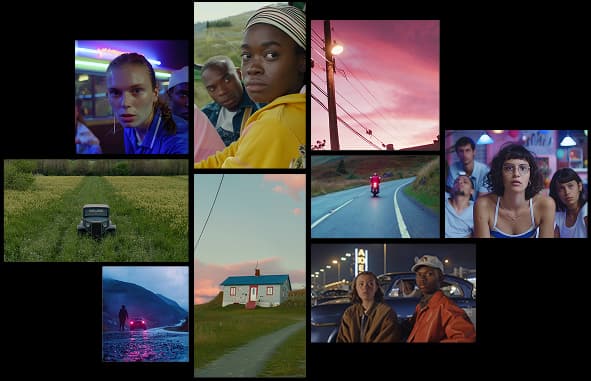
Image to Video Workflow for Product Scenes
A practical workflow for turning static product images into short AI video scenes without losing product identity.
Read article
A short practical guide to writing better prompts, choosing the right format, and reviewing AI-generated images.
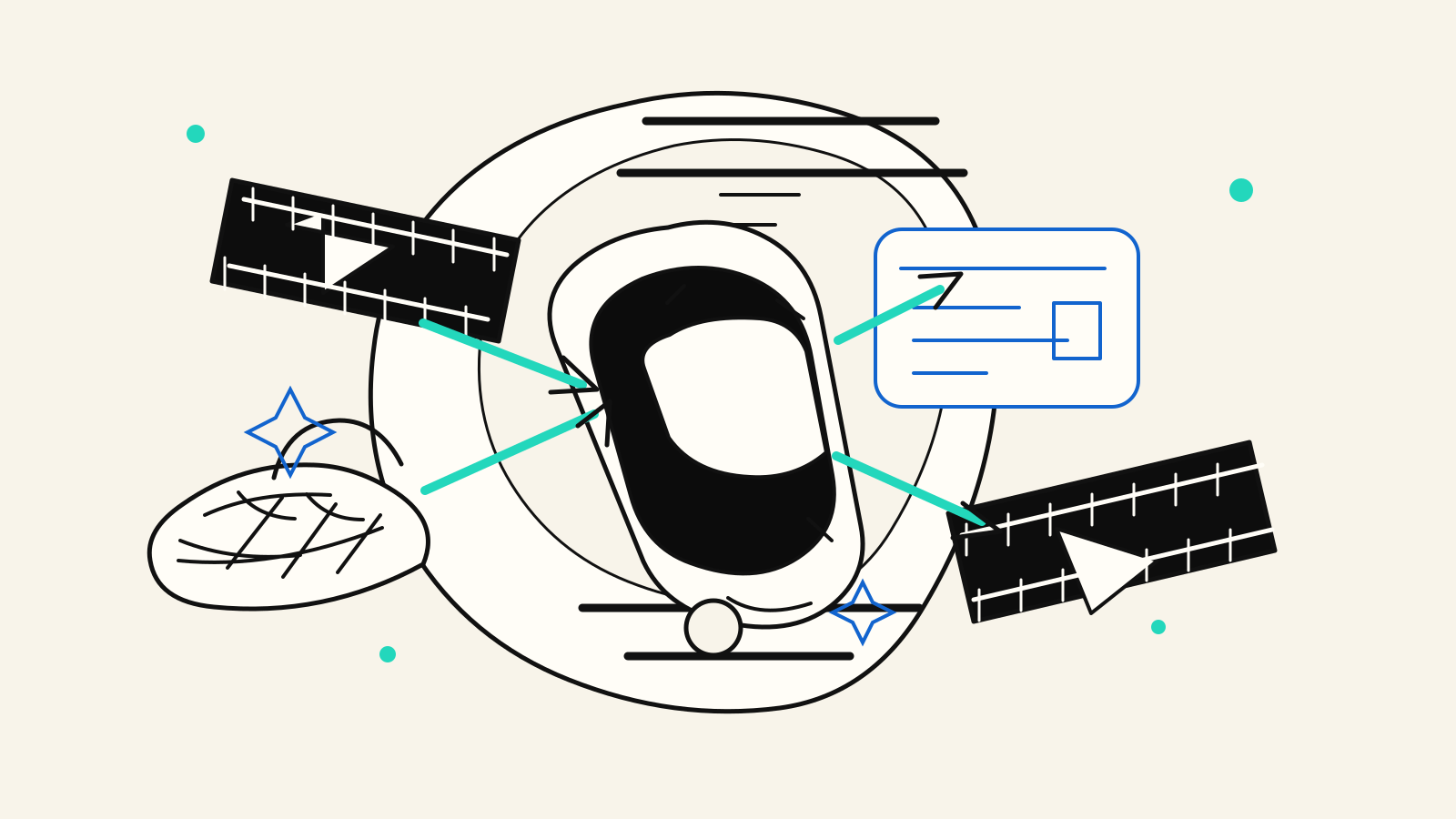
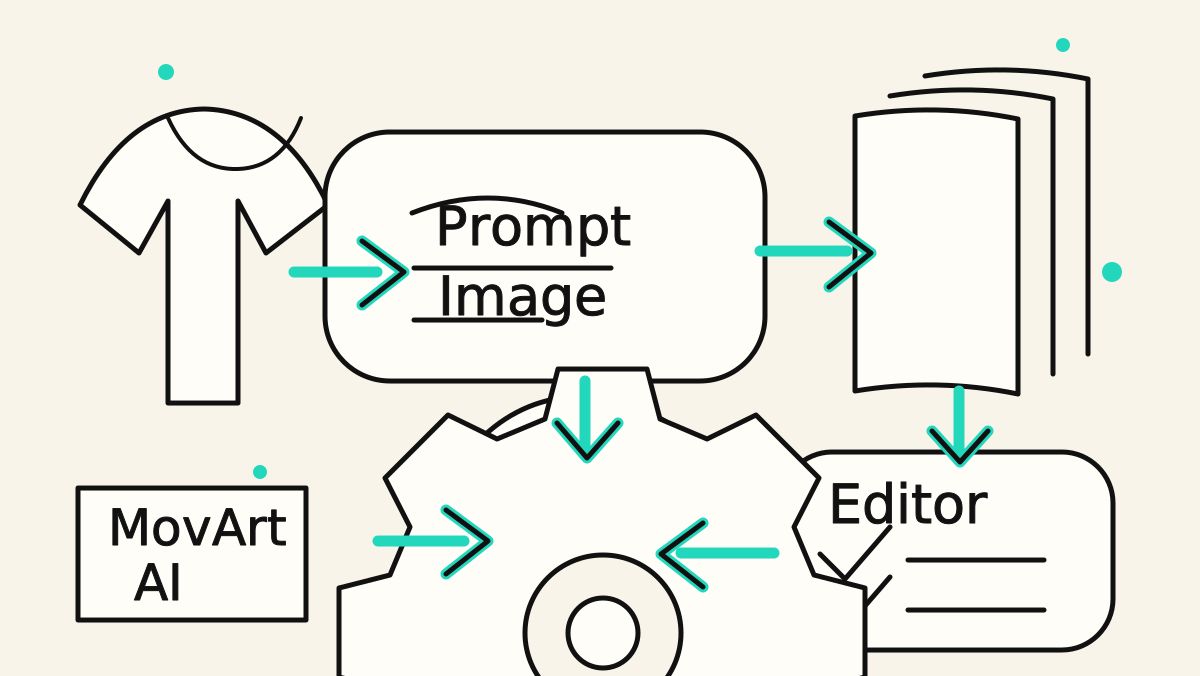
AI image generation works best when the prompt describes a clear subject, a visible setting, and the kind of output you want to receive. A short prompt can work for simple ideas, but production-ready images usually need a little more structure.
Begin by naming the main thing the image should show. This can be a product, a person, a scene, an object, or a visual style. Keep the subject specific enough that the model does not need to guess.
For example, instead of writing:
Create a product image.Write:
Create a clean studio product image of a matte black wireless speaker on a white acrylic surface.The setting tells the model where the subject belongs. The composition tells it how the image should be framed.
Useful details include:
A more complete prompt might look like this:
Create a clean studio product image of a matte black wireless speaker on a white acrylic surface, soft side lighting, subtle reflection, centered composition, realistic commercial photography, 1:1 aspect ratio.Different channels need different image formats. A square image is useful for product grids and social posts. A vertical image works better for stories, shorts, and mobile-first campaigns. A wide image is usually better for hero sections, banners, and blog covers.
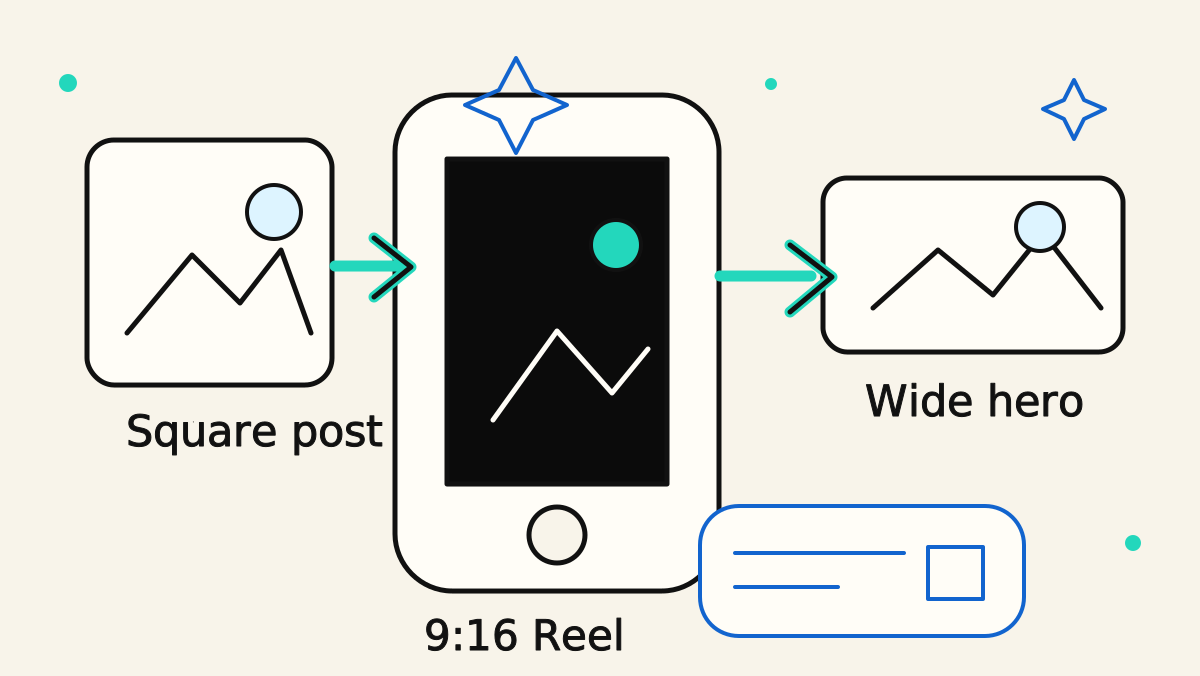
Before generating, decide where the image will be used. That one decision makes it much easier to pick the right aspect ratio and avoid unnecessary cropping later.
Start from an image, prompt, or product scene in MovArt AI.
After the image is generated, check the details before using it in production. Look for text errors, strange hands, inconsistent shadows, unnatural reflections, and brand elements that should not appear.
If the image is close but not quite right, revise the prompt instead of starting from scratch. Keep the parts that worked, then add one or two precise corrections.
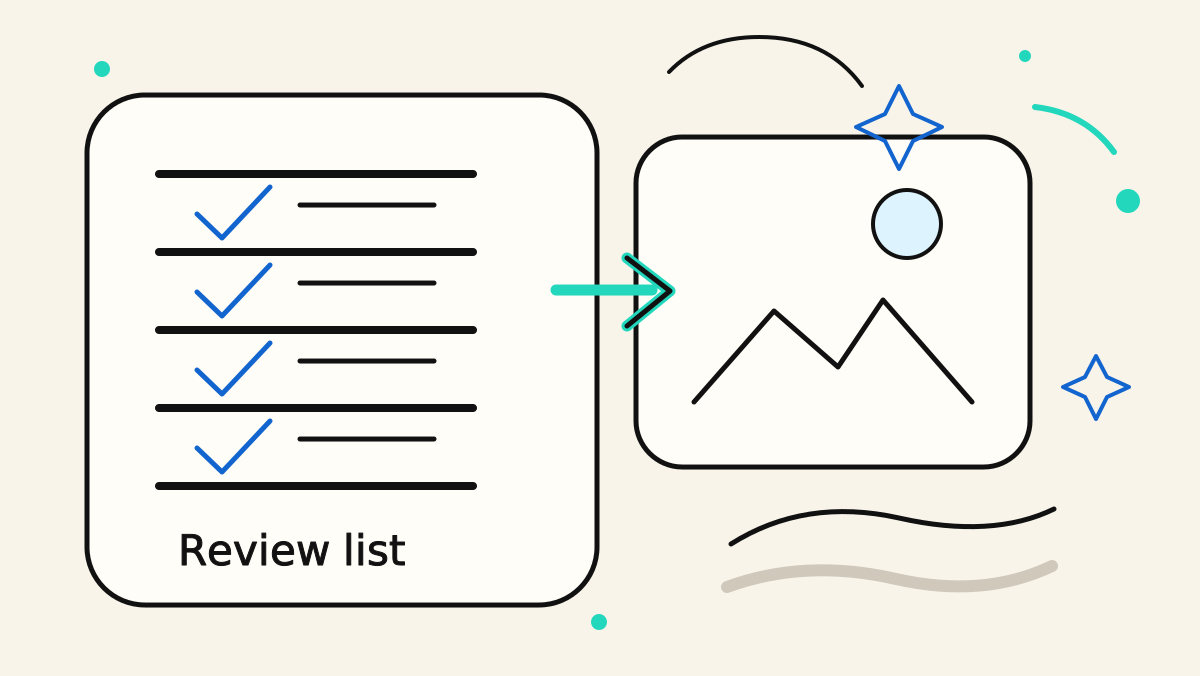
Use this structure when you are not sure where to start:
Create [type of image] of [subject] in [setting], with [lighting], [camera angle], [style], [aspect ratio], for [use case].This keeps the prompt readable while giving the model enough direction to produce a useful first result.
Turn ideas, text prompts, and images into polished videos with MovArt AI. If this article helped, the fastest next step is to try the product.
Free credits on signup. Plans from $20/month.
Continue from this article into the most useful MovArt tools and creative workflows.
Create text-to-video and image-to-video clips from the main MovArt workspace.
Animate product shots, portraits, concepts, and other source images into short videos.
Generate and refine source visuals before turning them into video.
Use prompt-based editing to prepare images, improve concepts, or adjust source assets.
Edit video assets with a focused AI workflow when you already have footage to revise.
Try ready-made creative effects when you want a faster template-driven result.
Explore related AI video and image tools across our broader creator stack.
Use Wan 2.7 when you want a Wan-focused model page for text, image, reference, and audio-led testing.
A stable Wan baseline for text-to-video and image-to-video workflows.
Explore Gemini Omni workflows for image-to-video, text-to-video, and multimodal creative testing.
Follow the newer Wan 3.0 positioning and video workflow surface.
More posts in the same locale you may want to read next.
A practical workflow for turning static product images into short AI video scenes without losing product identity.
Read articleA compact checklist for turning image, text, and product references into clearer AI video prompts.
Read articleLearn a simple prompt structure for creating short AI videos with clear subjects, camera movement, and usable composition.
Read articleMore practical guides for AI video models, image-to-video workflows, and prompt planning.
Compare Wan model versions by capability, workflow, and practical use case.
Learn how to turn source images into Gemini Omni video clips with stronger prompt control.
Understand Gemini Omni credits, plans, and how to choose capacity for your workflow.
Plan prompts, first-frame inputs, and controlled Wan 2.2 generation workflows.