Explore our collection of powerful AI tools to bring your creative vision to life
One upload. One click. A five-second motion clip.
The AI Jiggle Video effect is a one-click AI animation that takes a still portrait and turns it into a short, rhythmic motion clip. There is no prompt to write, no timeline to edit, and no motion curve to tune. You upload a photo, press Generate, and in under two minutes the workspace returns a clean 720p clip ready for TikTok, Reels, or Shorts. Every parameter that shapes the clip — the body motion, the camera move, the five-second duration, and the 16:9 aspect ratio — is preset so you never have to configure anything. The AI Jiggle Video effect is tuned so skin tone, outfit colour, background, and facial identity from the source photo all stay intact; only the animation is added on top.
Three steps from still photo to finished motion clip.
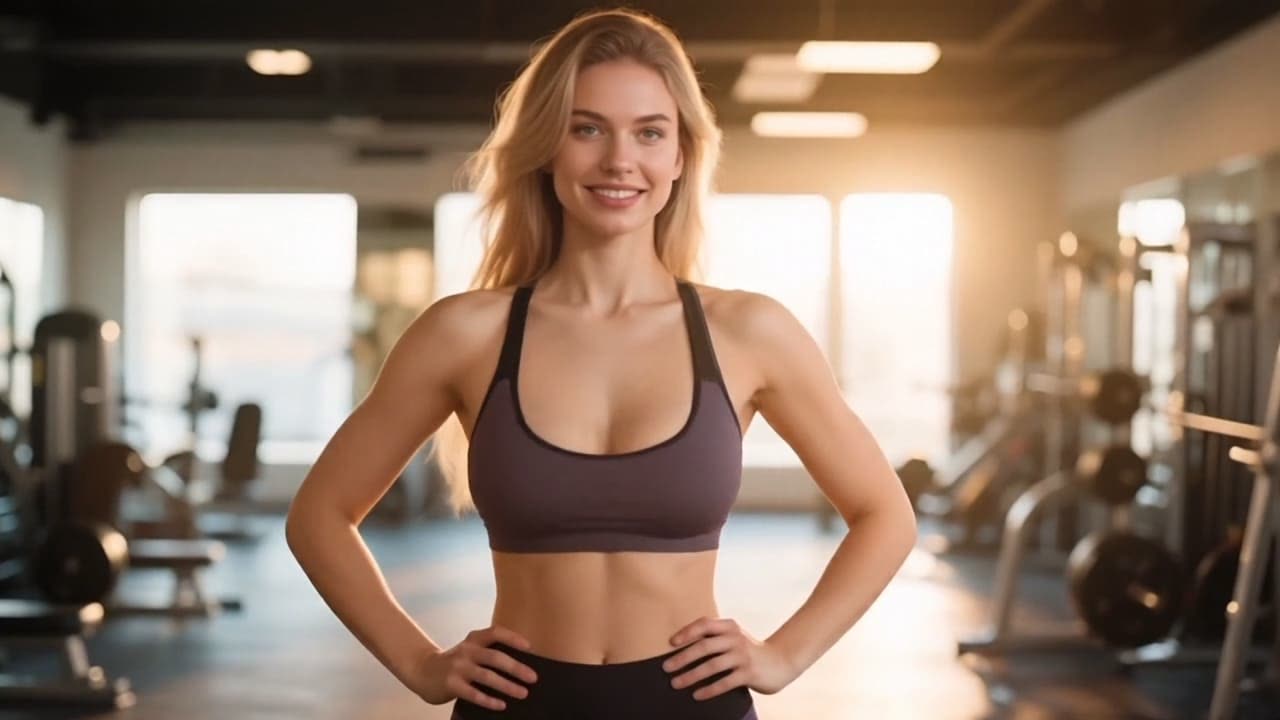
A well-lit front-facing photo gives the best motion
Drop in a JPG or PNG up to 10MB. Waist-up and full-body shots tend to produce the most natural motion because the model has more of the body to reason about. The effect reads pose, proportions, and lighting direction from the input so it can plan a believable animation path.
Built for creators who want a motion clip now, not after an hour of prompt tuning.
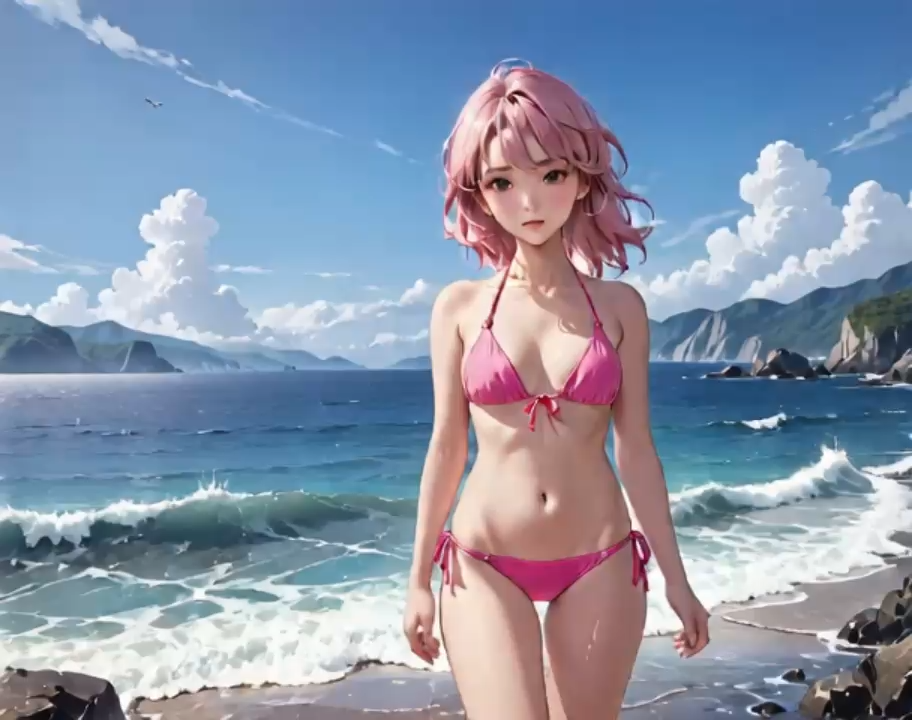
Most image-to-video tools demand long, carefully worded prompts. The AI Jiggle Video effect ships with a prompt preset tuned over hundreds of internal tests, so your only job is to choose a good photo and press one button.
Try It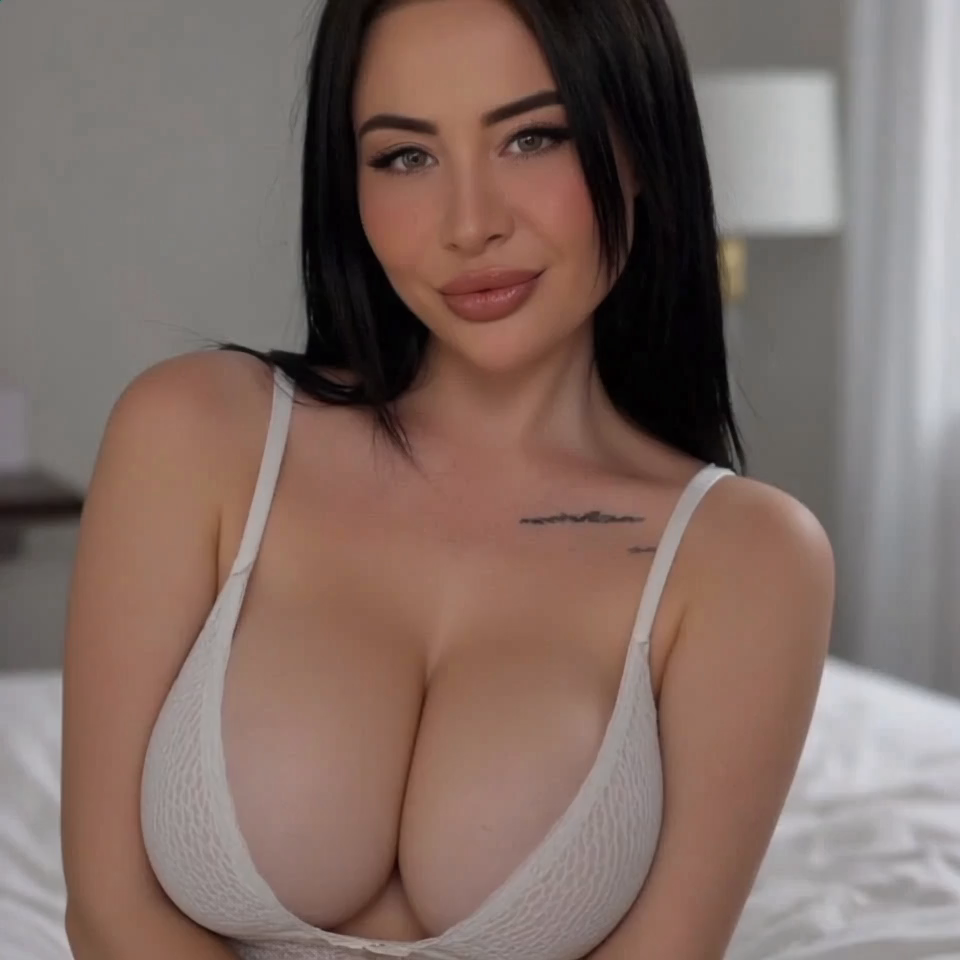
The effect preserves the original lighting direction, skin tone, and outfit colour from the source photo. Body motion stays grounded rather than slidey, and the camera move stays stable across the full five-second clip.
See Samples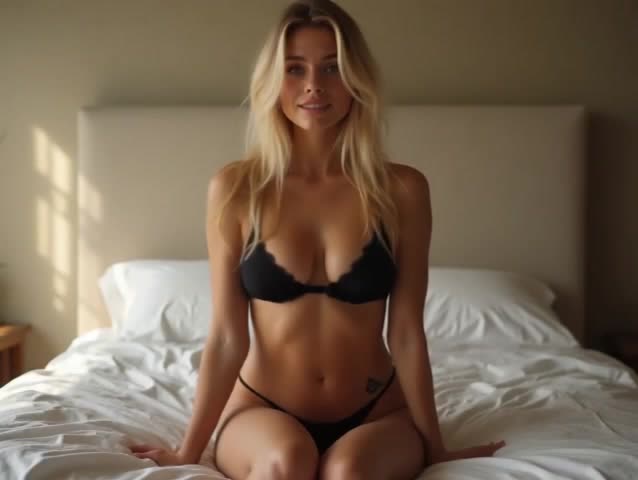
Each render typically finishes within 90 to 120 seconds. Results arrive at 720p with no watermark, no waiting list, and no export queue. Credits are only charged when a clip succeeds, so a failed render does not cost anything.
Start NowBrowse the images, comparisons, and videos featured on this effect page.
Common workflows where a one-click motion clip replaces a shoot, a timeline, or a motion-rig setup.
Post daily playful Reels, TikToks, and Shorts without booking a motion rig. Turn any selfie into a five-second motion clip ready for social.
Keep AI personas active with on-brand motion content. The effect produces consistent clips from a single character reference image.
No prompt skills required. If you can upload a photo, you can ship a polished motion clip in your first session.
Prototype playful motion ads before booking a real shoot. Iterate through stills, swap models, and compare directions in minutes.
Drop short motion clips into pitch decks to sell an energetic look. It is faster than stock and more on-brand than generic loops.
Surprise a friend with a playful AI Jiggle Video clip made from a favourite portrait. Every render stays private to your account by default.
“I uploaded one selfie and got a motion clip I would actually post. The whole thing took less time than picking a filter.”
Ava Chen
Content Creator
“No prompt engineering needed. That alone puts the AI Jiggle Video effect ahead of every generic image-to-video tool I have tried.”
Marco Silva
Virtual Influencer Studio
“The motion looks grounded, not slidey. It clearly handles body physics better than the tools I used last year.”

Priya Patel
AI Artist
“Faster than booking a shoot and cheaper than hiring a motion rig. We use it to A/B test concept clips before committing budget.”

Jordan Lee
Marketing Lead
“Finally an AI video tool my mom can use. Upload, click, download. That is the whole loop.”
Kai Nakamura
Product Designer
Still have questions? We're here to help
Upload one photo, click Generate, and have a polished motion clip in under two minutes. No prompt skills, no editing timeline, no waitlist.