Explore nuestra colección de potentes herramientas de IA para hacer realidad su visión creativa
One upload. One click. A clean before/after comparison.
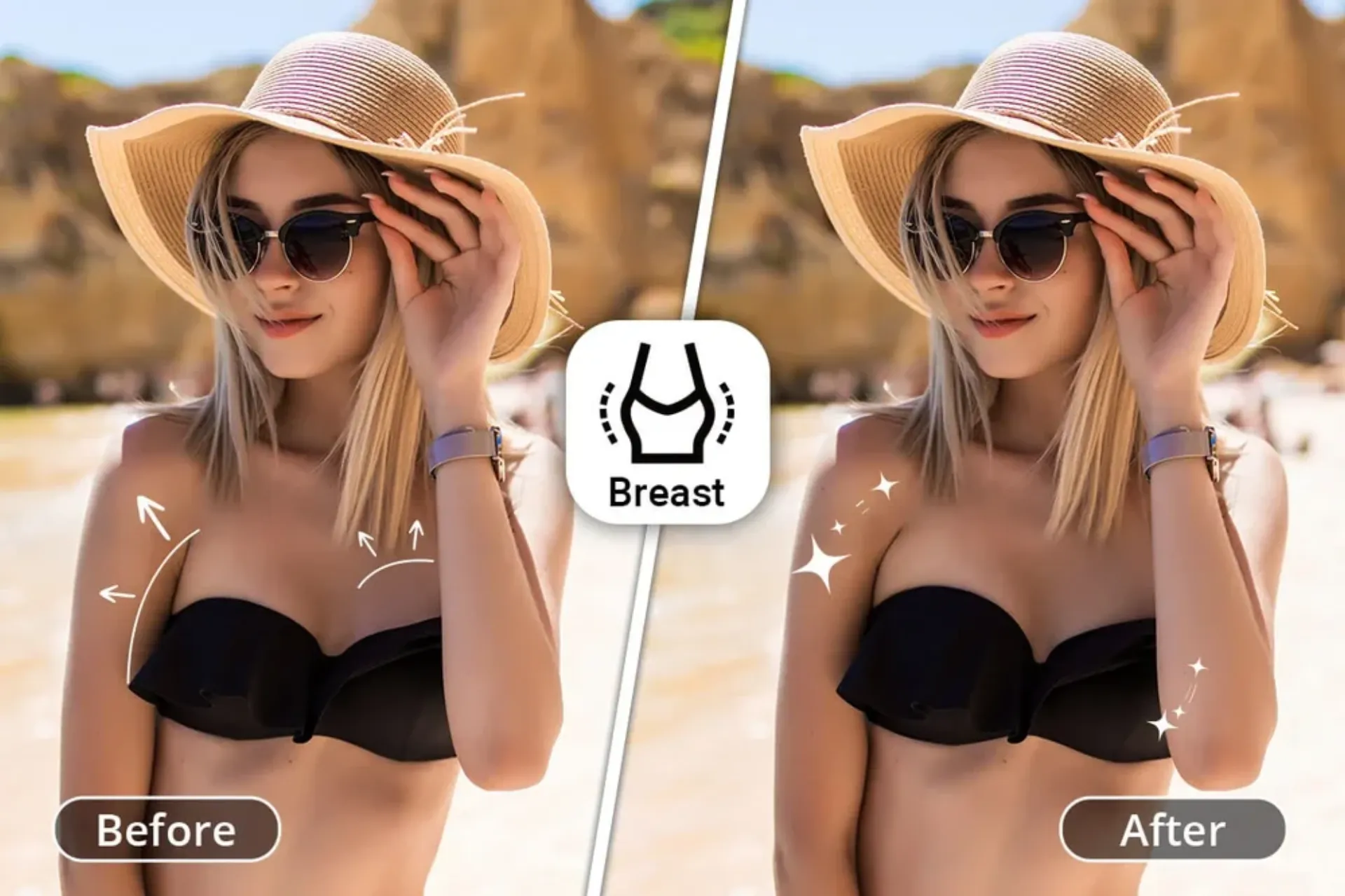
AI Breast Expansion is a single-purpose image effect that reshapes a portrait in one click and returns a side-by-side comparison. There is no prompt to craft, no mask to draw, and no slider to balance. You upload a clear portrait, press Generate, and in under two minutes the workspace shows the original and the reshaped version side by side with a draggable comparison slider. The effect is tuned so that skin tone, fabric texture, background, and facial identity stay exactly the way they were in the original; only the targeted region changes. AI Breast Expansion is designed for creative editorial work, costume design mockups, avatar styling, and before/after social content — not for generating non-consensual imagery of real people. Always make sure you have permission to edit a photo before running it through the effect.
Three steps from a source portrait to a natural bust-enlargement preview.
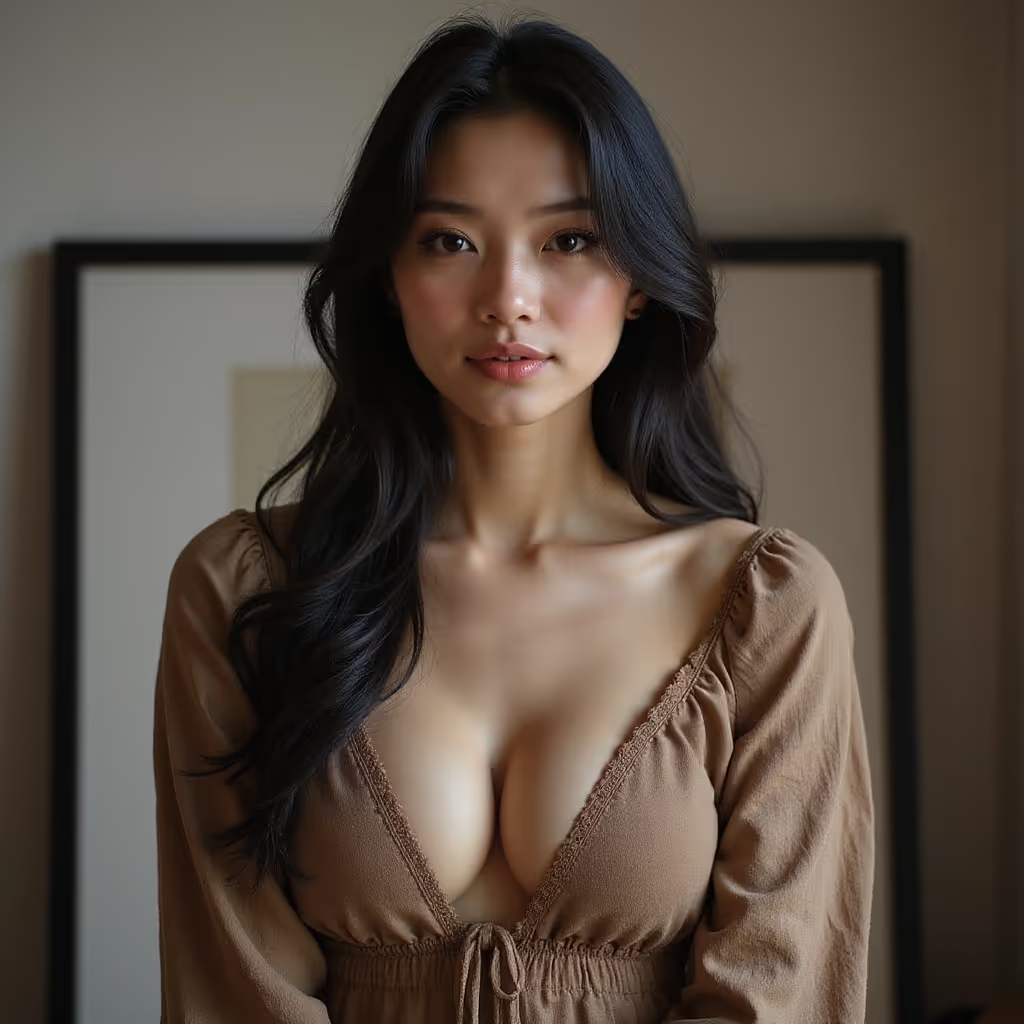
A front-facing, well-lit photo gives the best reshape
Drop in a JPG or PNG up to 10MB. Waist-up and medium-shot framings give the effect the most context to read fabric tension, lighting direction, and body proportion. The clearer the source, the more believable the final reshape.
Drag the slider on each example to see what the AI Breast Expansion effect actually changes.
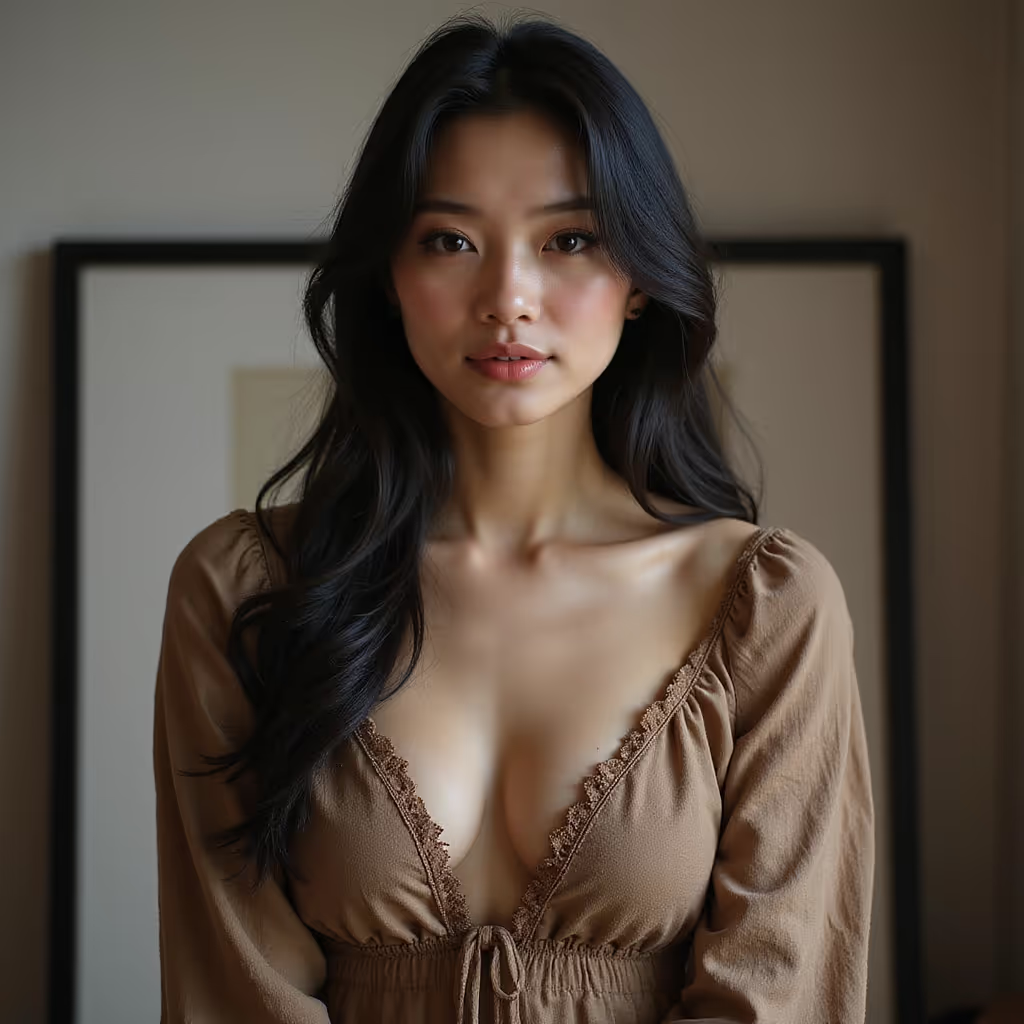
The underlying model preserves shading, folds, and fabric wrinkles so the reshape blends with the garment rather than sitting on top of it. There is no plastic sheen, no telltale halo around the edit, and no color shift on the skin tone compared to the rest of the body.
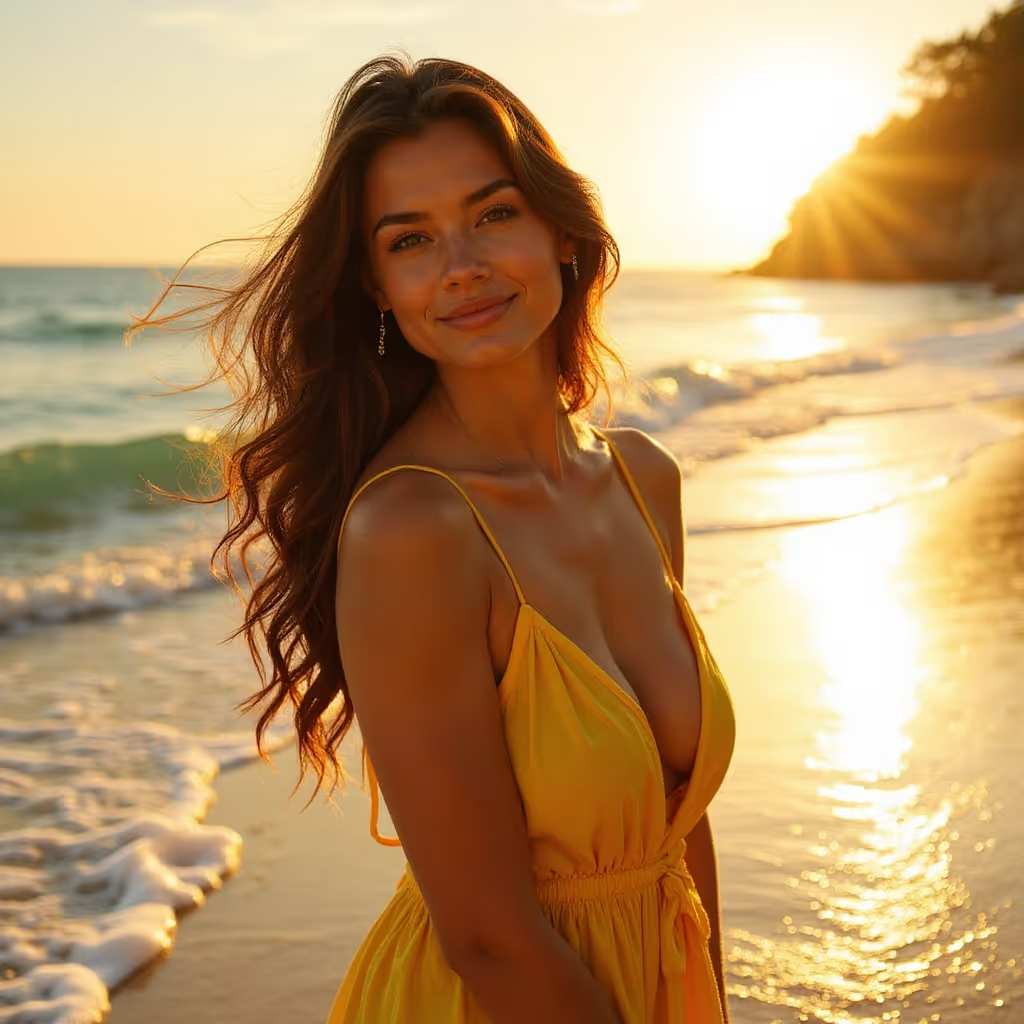
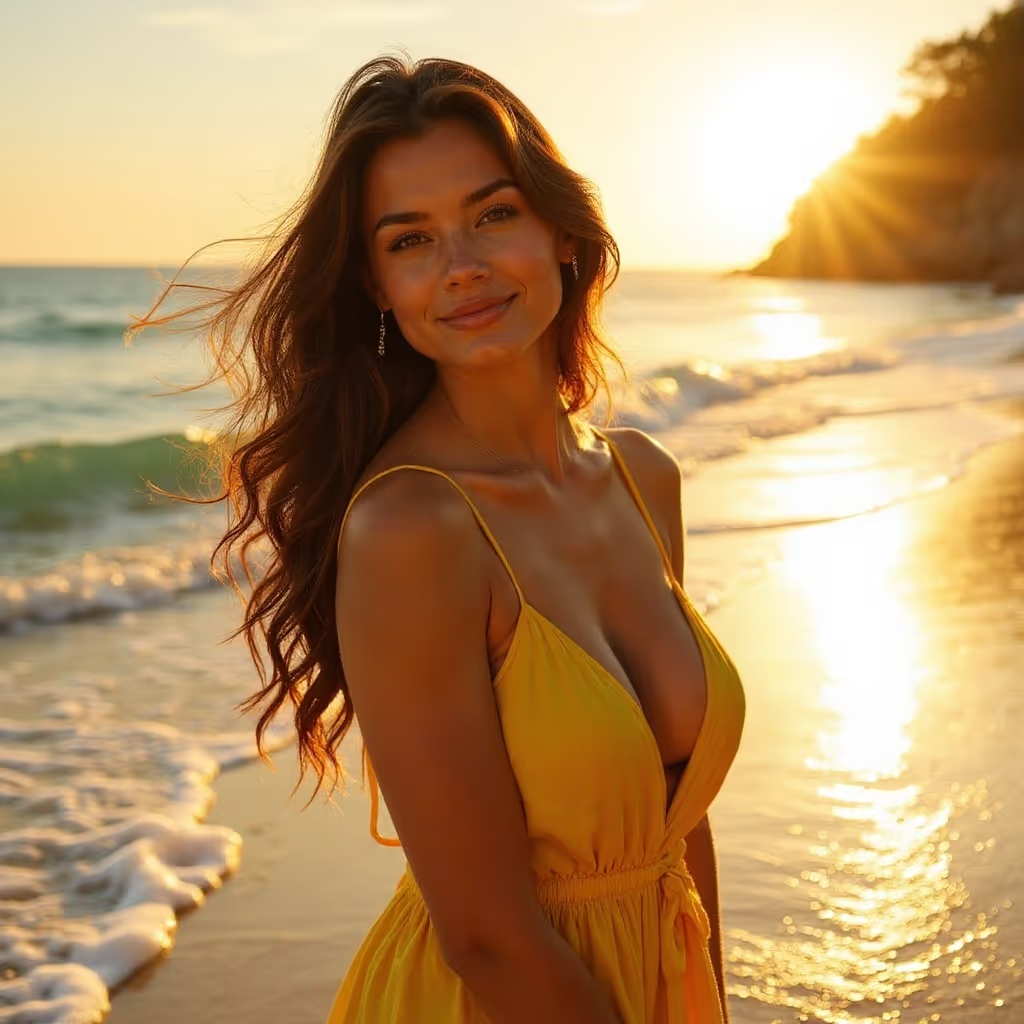
The effect works on a tight target region only. Face, hair, jewellery, fabric pattern, pose, and background remain pixel-for-pixel identical to the original. That makes the output safe to use in layered compositions where you need the surrounding context untouched.
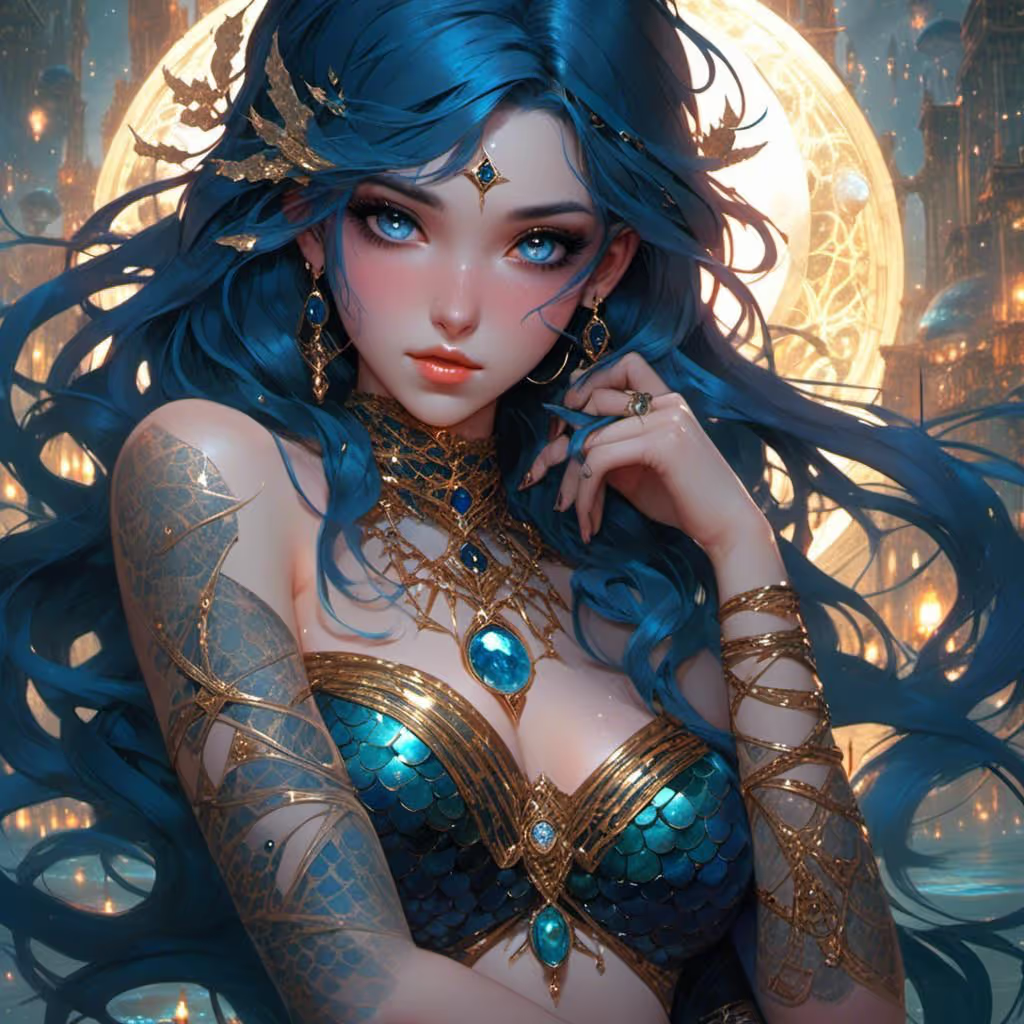
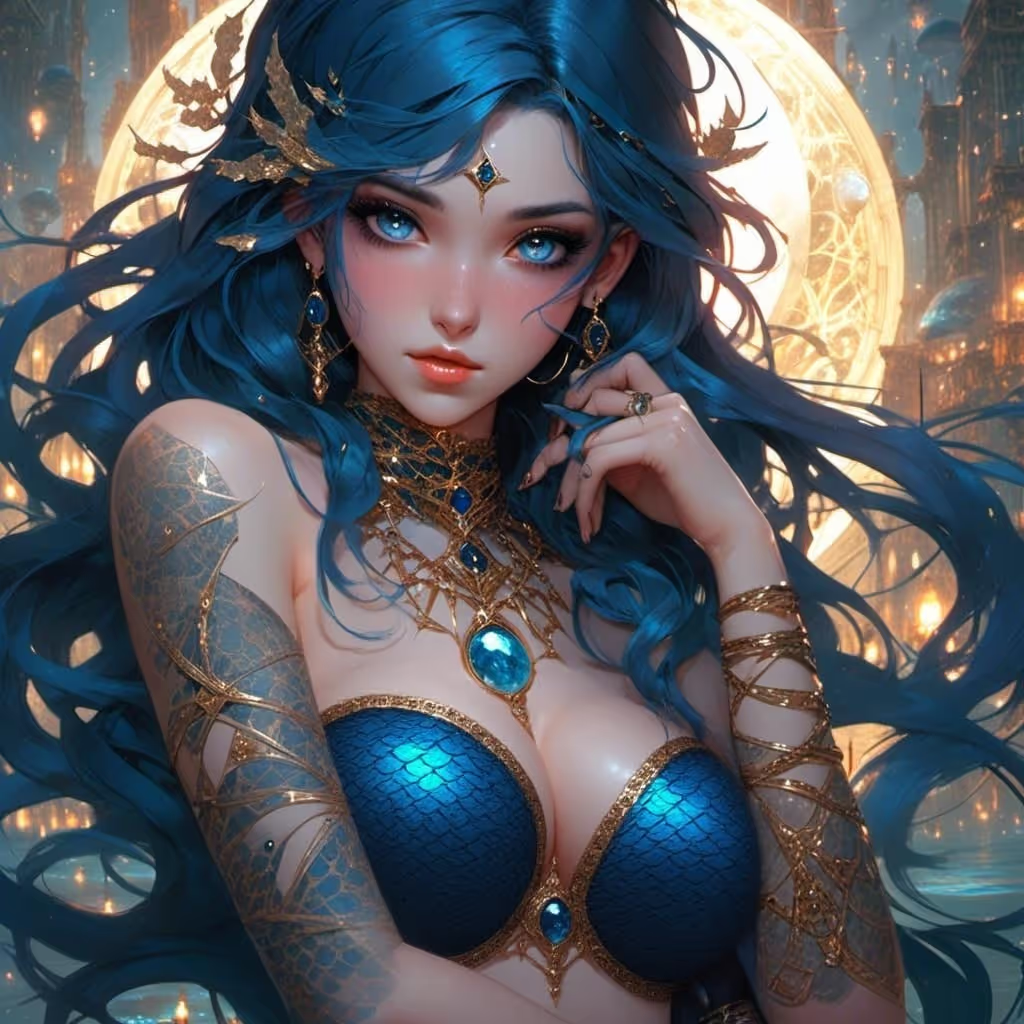
Studio portraits, casual phone photos, indoor, outdoor, warm light, cool light, and everything in between. The effect adapts the reshape to match the lighting direction and intensity from the source photo, so the final image never looks cut and pasted.
Browse the images, comparisons, and videos featured on this effect page.
Common creative and professional workflows where this effect replaces hours of retouching.
Creators make quick before/after reels and carousel posts without opening Photoshop. The effect returns a ready-to-post comparison image with the slider handle burned in.
Character designers use the effect to iterate silhouette options for a brief before committing to a final render.
Cosplayers preview how a padded or structured costume piece would read on camera without sewing a test garment.
Retouchers use this effect as a rough first pass before cleaning up the comp by hand. It cuts 20 minutes of liquify work to a single click.
People experiment with body styling and outfit fit for themselves, on their own photos, as a private creative exercise.
Fashion teams prototype how a push-up bra, corset, or structured top would read on a campaign still before organizing a reshoot.
“The reshape looks like it was done by a careful retoucher. No halo, no skin colour drift, nothing to clean up afterwards.”
Sarah Kim
Content Creator
“One click replaced a liquify workflow I used to do by hand. Saved me an hour on the last campaign edit.”
James Patel
Digital Artist
“I use the comparison slider in my before/after carousels. Engagement on those posts is roughly double my normal rate.”

Lisa Chen
Influencer
“Fast, natural, and it respects the original lighting. That is the hard part, and this effect actually handles it.”

Mike Torres
Photographer
“No prompt to tune, no mask to draw. Upload, click, compare. That is the entire loop.”
Emma Davis
Social Media Manager
Still have questions? We're here to help
Upload a portrait, click Generate, and drag the comparison slider in under two minutes. No prompt engineering, no manual masking, no waitlist.