創造的なビジョンを実現する強力な AI ツールのコレクションを探索してください
One upload. One click. A clean transparent PNG.
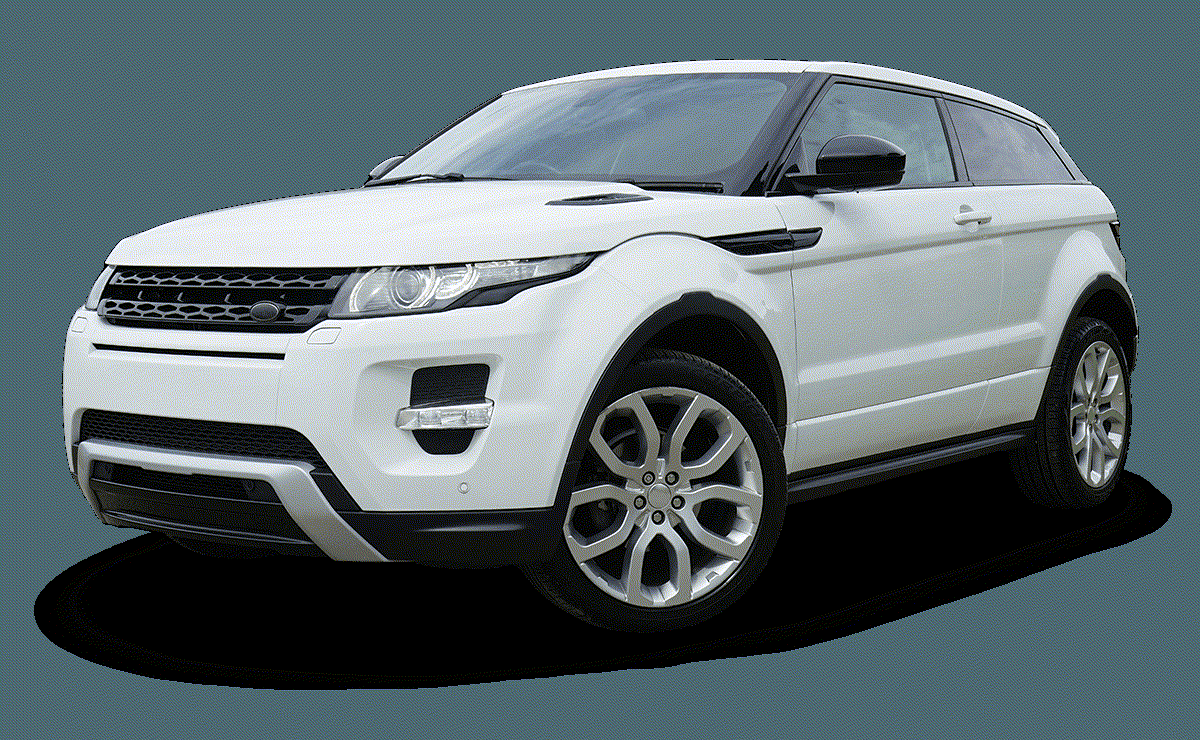
The Background Remover is a single-purpose image tool that takes any photo and returns a clean transparent PNG in seconds. There is no prompt to write, no mask to draw, no green screen to rig, and no Photoshop to open. You upload an image, click Remove Background, and the tool detects the foreground subject on its own, cuts it out with clean edges, and delivers a transparent PNG ready to drop into a design tool, a product listing, a social post, or a pitch deck. The Background Remover is tuned for pixel-perfect edges on hair, fur, fabric folds, and semi-transparent objects, so the output does not need manual cleanup. It works on portraits, product shots, animals, vehicles, graphics, screenshots, and almost anything with a clear foreground subject. Every job runs in under five seconds, costs a few credits, and is only billed when it succeeds.

Three steps from a busy image to a clean transparent PNG. Drag each slider to see the tool output side by side.


Drop any photo to begin
Upload a JPG, PNG, or WebP up to 12MB. The Background Remover works with portraits, product photos, animals, vehicles, and graphics. A clear foreground subject gives the cleanest cutout, but the model handles busy, low-contrast, and cluttered backgrounds too.
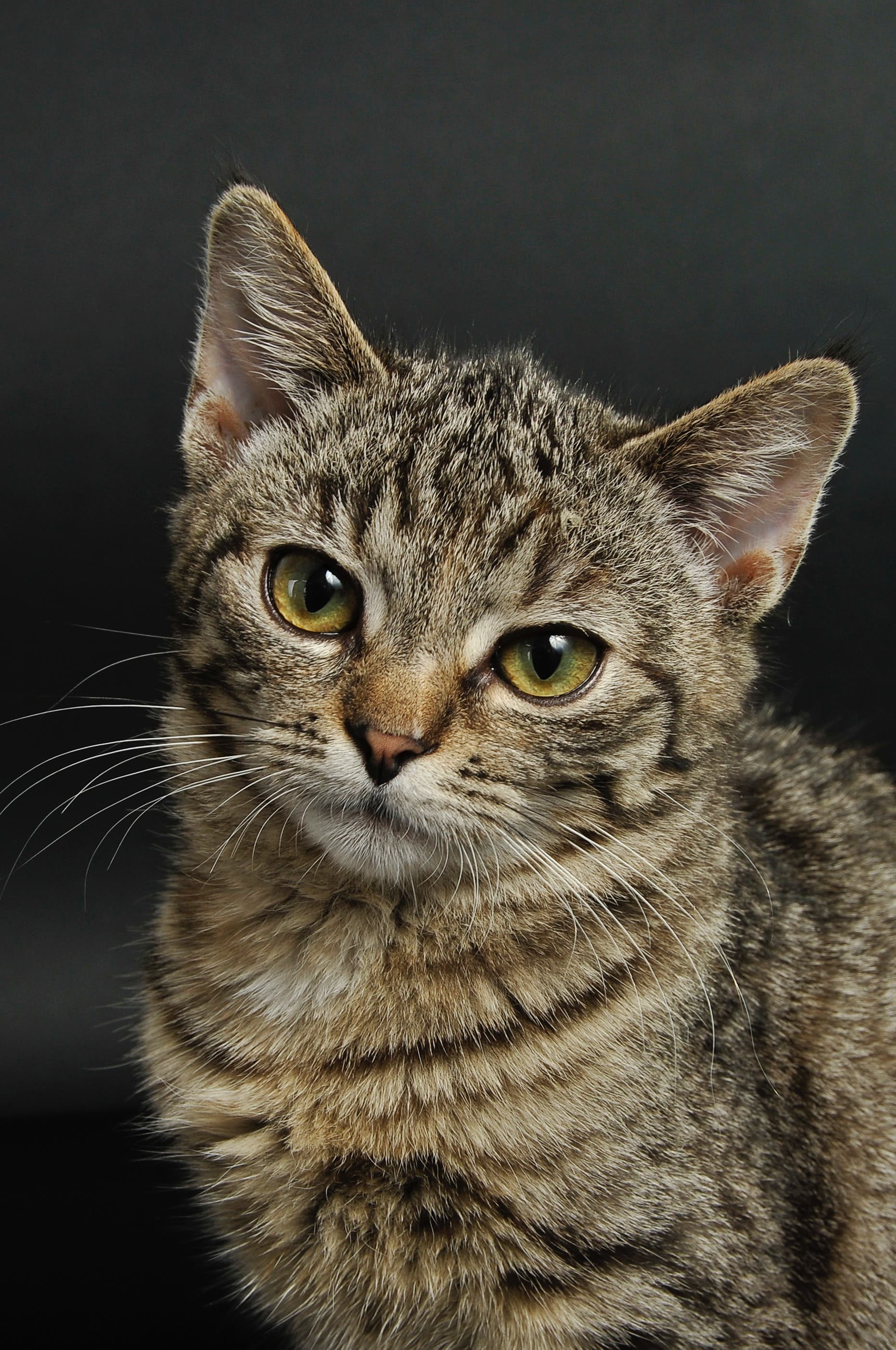
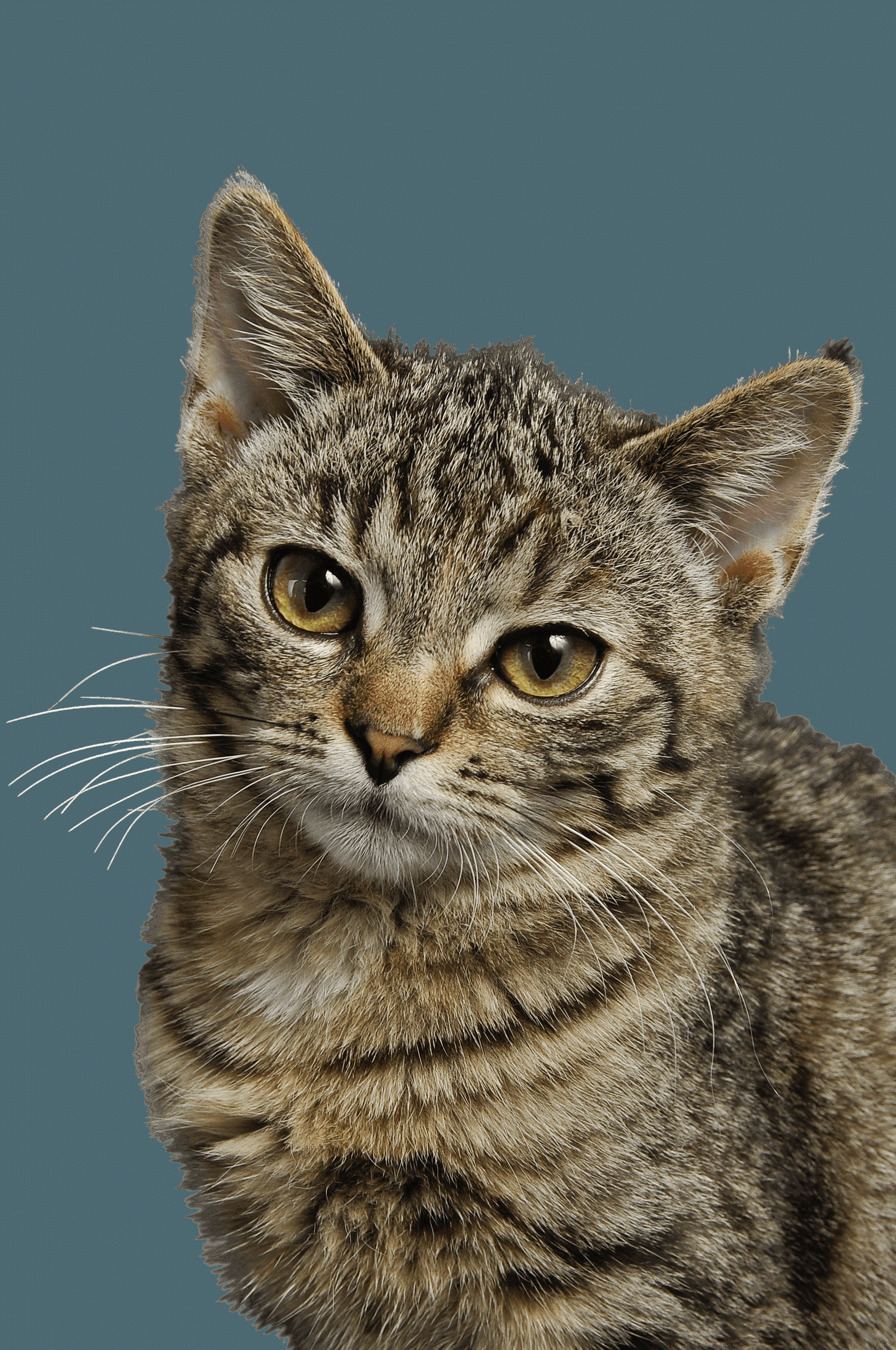
Drag each slider to compare the original image with the tool output.


The Background Remover handles hair strands, frizz, clothing edges, and complex poses with precision. That means cutouts drop cleanly onto any new background without a visible halo or jagged edge.
Try It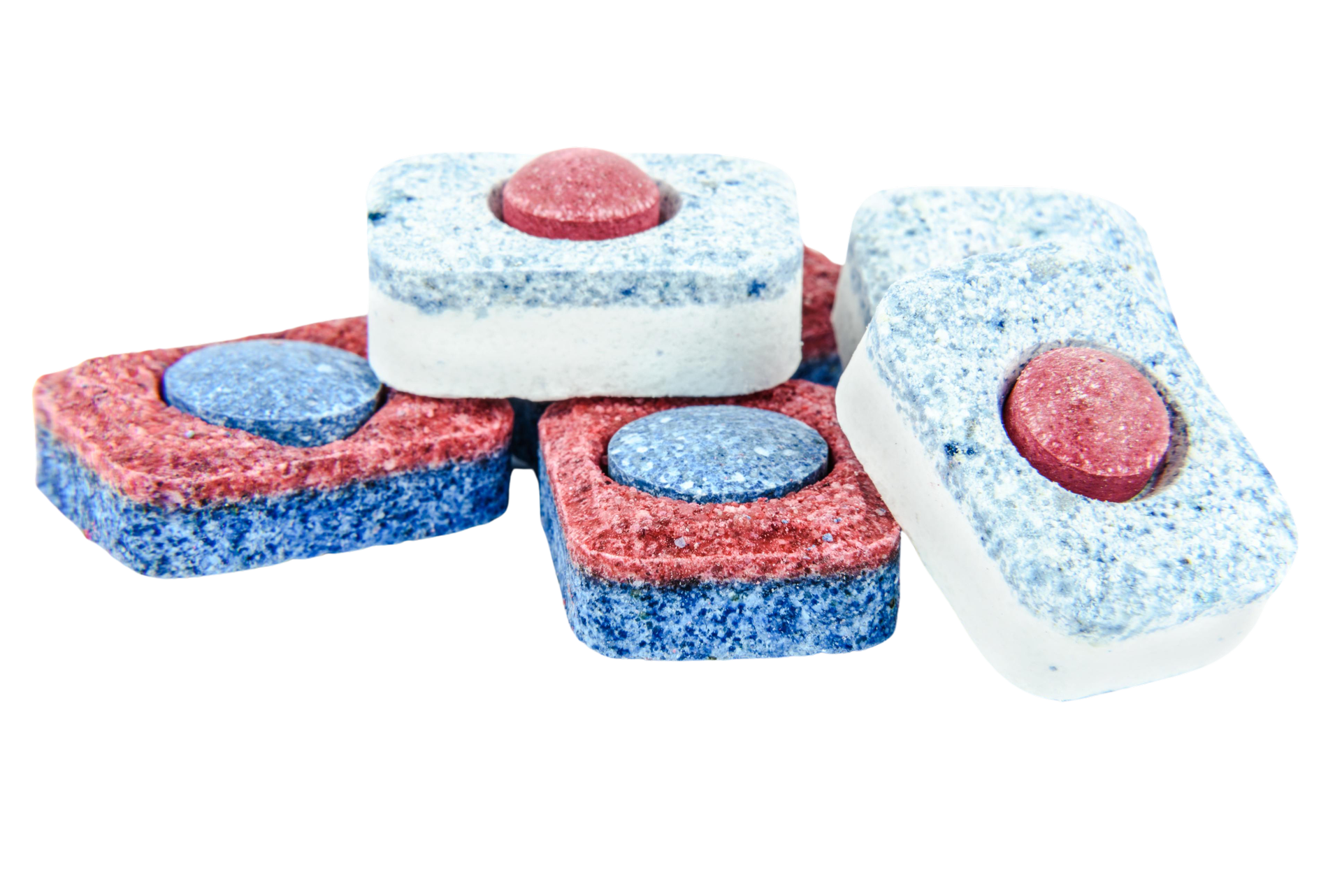
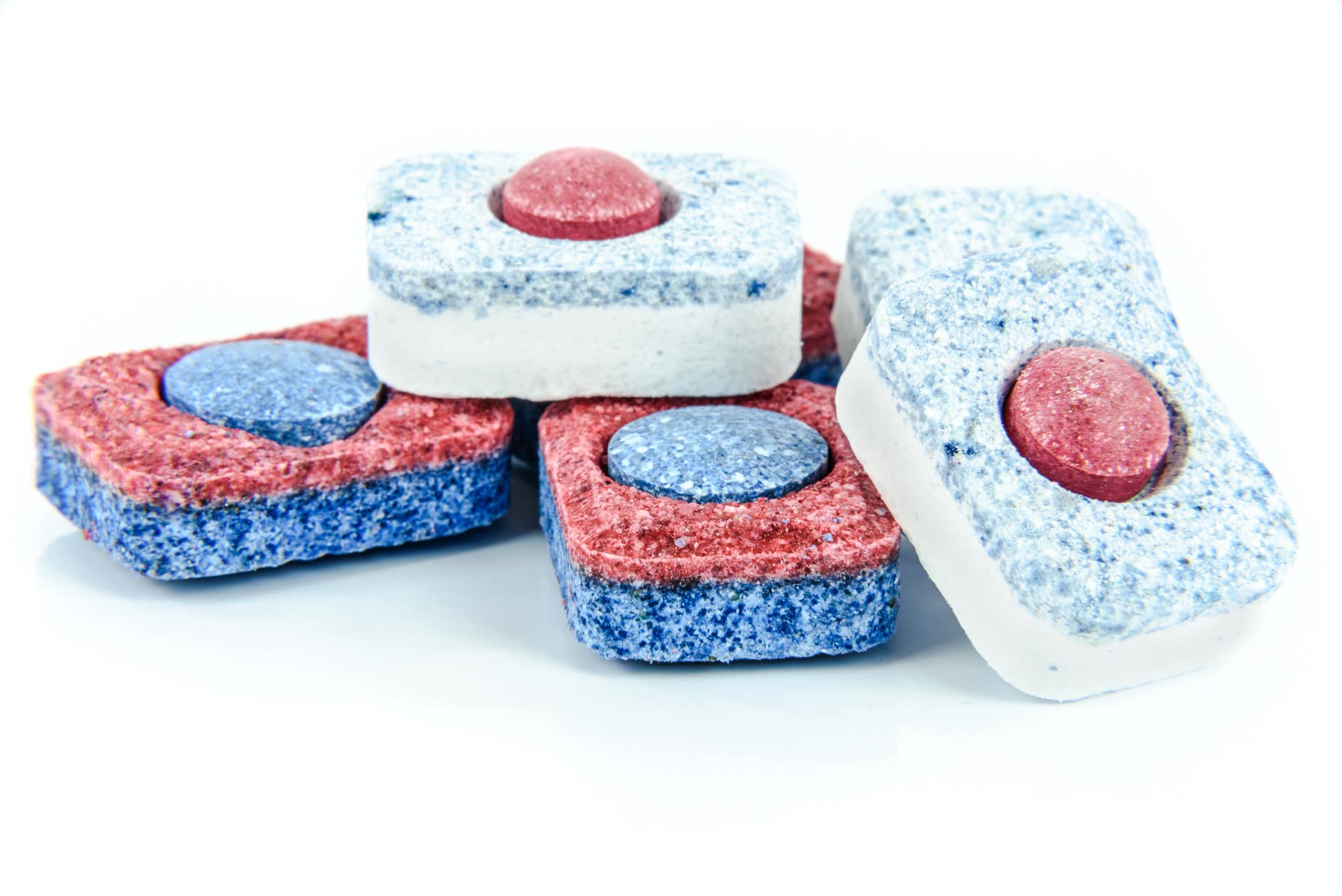
E-commerce teams use the tool to turn messy phone photos into catalogue-ready product shots on white. The model handles packaging text, reflective surfaces, and soft shadows without manual touch-ups.
Try It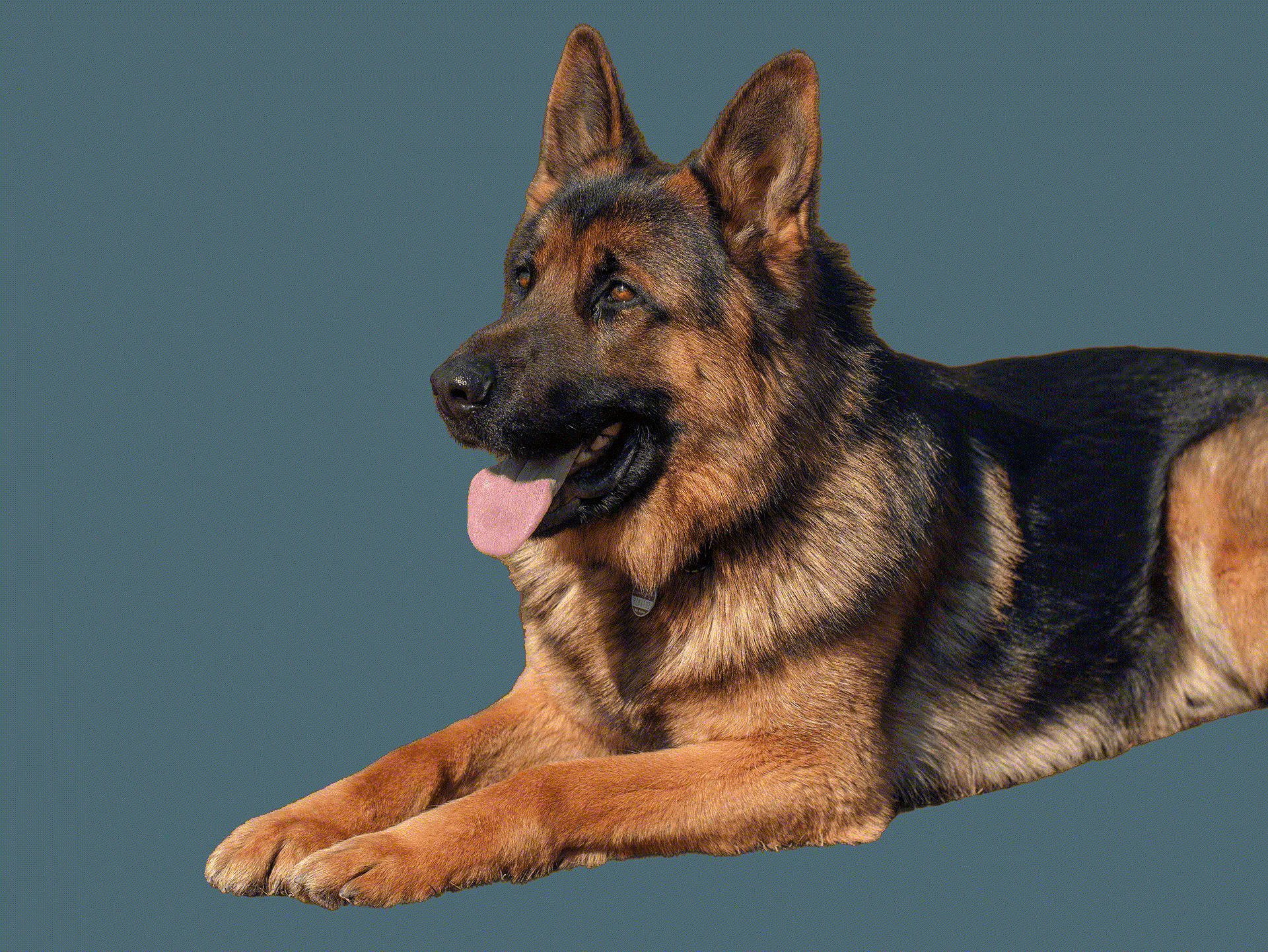
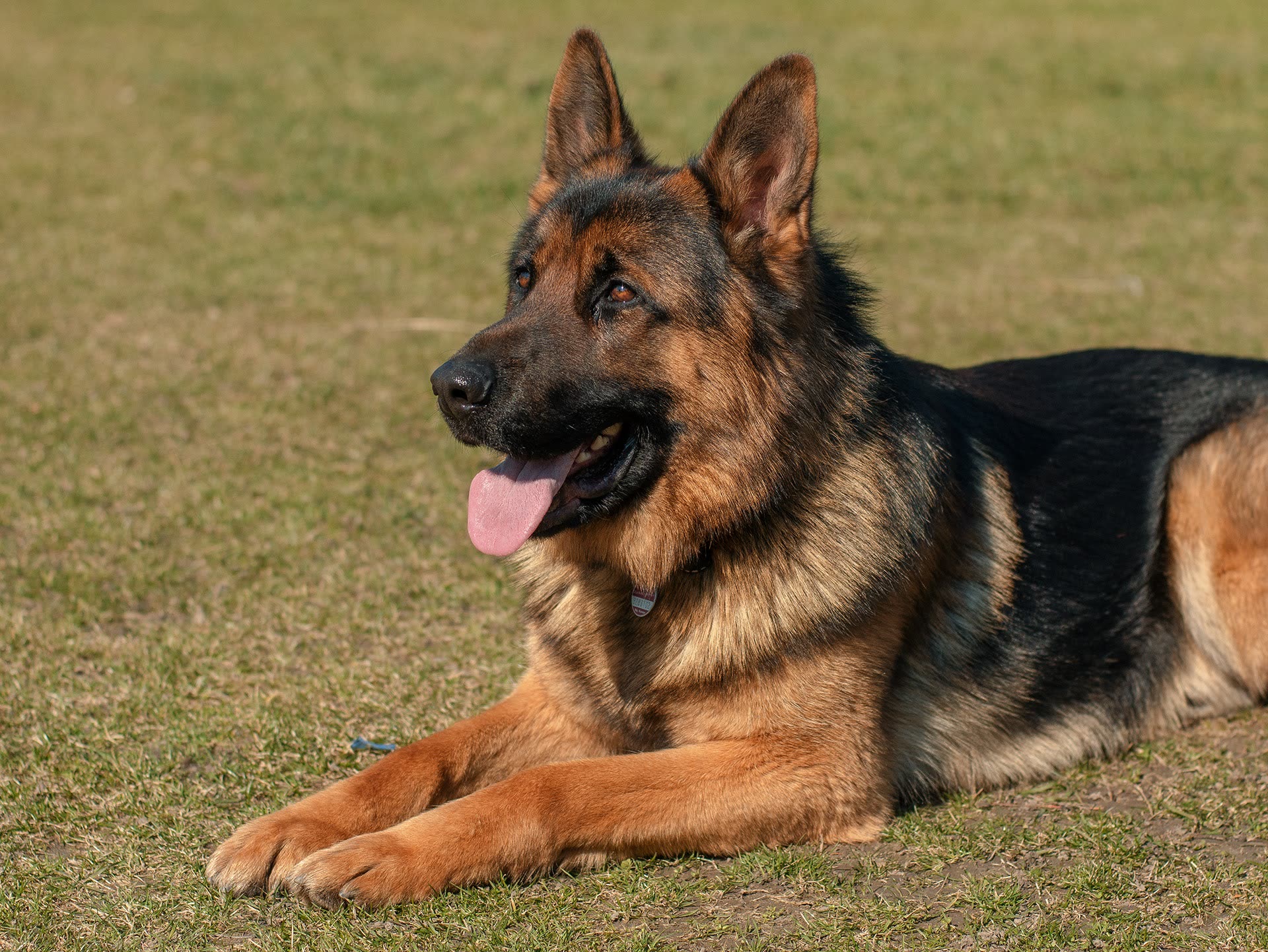
Animals, cars, graphics, screenshots, people, food — the tool recognises and isolates any foreground subject automatically. There is no category to pick and no setting to adjust.
Try ItBrowse the images, comparisons, and videos featured on this tool page.
Common workflows where the tool replaces hours of manual masking in Photoshop.
Shopify, Amazon, and Etsy sellers use the tool to turn phone-shot product photos into clean catalogue images on white or transparent backgrounds.
Creators use the tool to make eye-catching posts, placing subjects on custom backgrounds or cutting out stickers and reaction memes in under a minute.
Designers use the tool as a first pass before compositing, cutting twenty minutes of manual masking down to a five-second click.
Marketing teams create ad assets, banners, and landing-page visuals from stock photography by running every asset through the tool before layout.
Photographers offer background removal as a paid add-on service, or use the tool to speed up their post-processing workflow on large shoots.
Anyone can use the tool to build stickers, collages, profile pictures, and fun edits from personal photos without a subscription to a heavy editor.
“I ran 50 product photos through the tool in under ten minutes. Game changer for my Shopify store.”

Ava Chen
E-Commerce Seller
“The edge quality is genuinely impressive. It handles hair and fur cleanly. Way better than free web-based tools.”

Marco Silva
Graphic Designer
“Upload, click, done. There is no learning curve. I showed my mom the tool and she shipped her first listing an hour later.”

Priya Patel
Content Creator
“We replaced our in-house Photoshop background removal step entirely. The Background Remover saves our team hours every week.”

Jordan Lee
Marketing Lead
“Four credits per image is fair for this quality. Best value Background Remover I have tried, and I have tried most of them.”

Kai Nakamura
Freelance Photographer
Still have questions? We're here to help
Upload any image, click Remove Background, and get a clean transparent PNG in under five seconds. No Photoshop, no manual selection, no waitlist.