당사의 AI 도구 모음을 탐색하여 창의적인 아이디어를 현실로 만드세요
One upload. One click. A clean wardrobe-neutral base layer.
The AI Clothes Remover is a single-purpose image effect built for wardrobe swaps, costume mockups, and fashion prototyping. It takes a portrait and returns a stripped-down base layer where the existing outfit is resolved to a neutral shape, so designers and retouchers can paint a new garment on top without fighting the original fabric. There is no prompt to write, no mask to draw, and no manual region selection. You upload a photo, press Generate, and in under two minutes the workspace shows the original on the left and the wardrobe-neutral base on the right. Lighting, skin tone, pose, background, and facial identity from the source image all stay exactly the way they were. The AI Clothes Remover is intended for editorial and design work on photos you have permission to edit — it is not a tool for generating non-consensual imagery of real people, and the terms of service prohibit that kind of use.
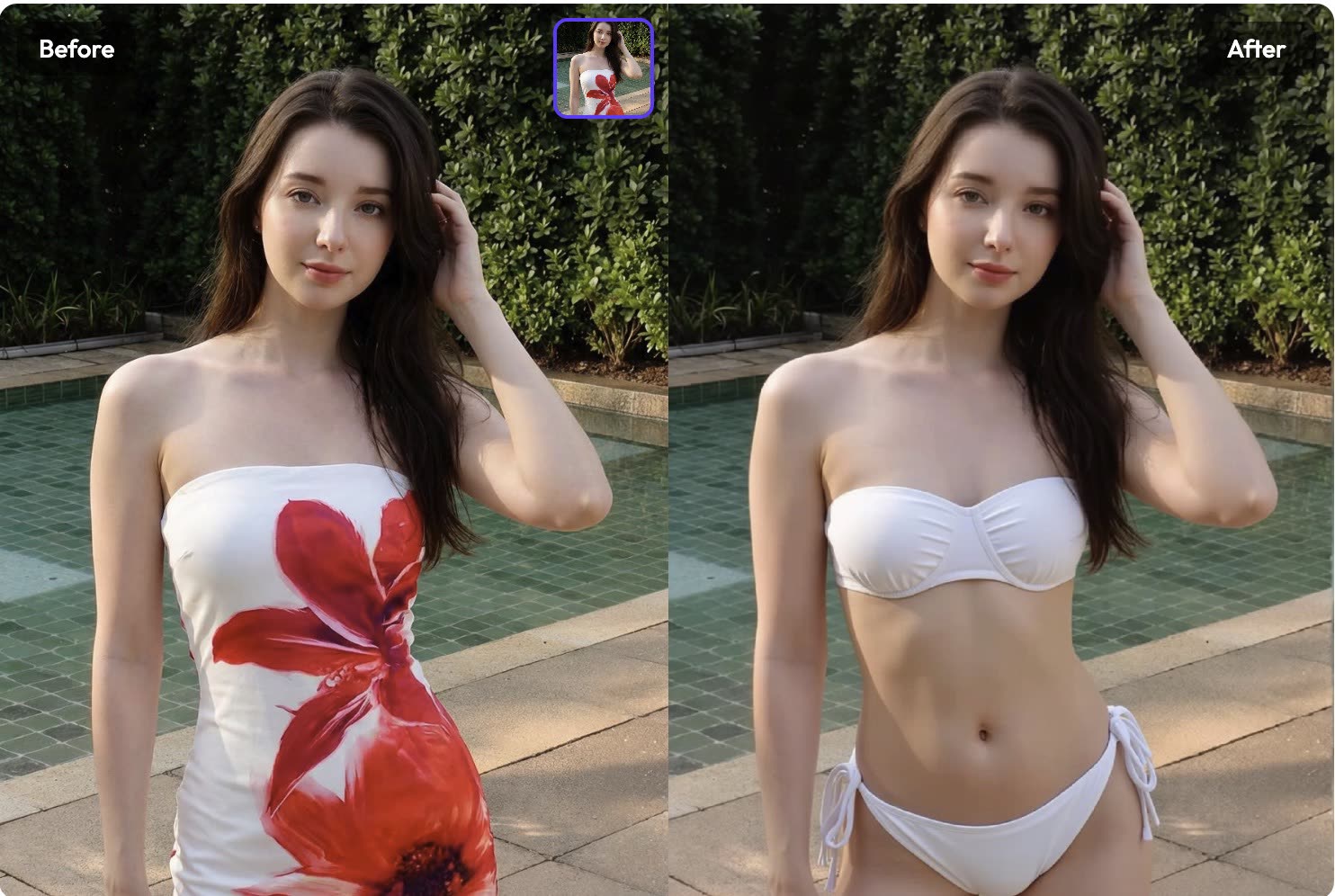
Three steps from a dressed portrait to a wardrobe-neutral base layer.
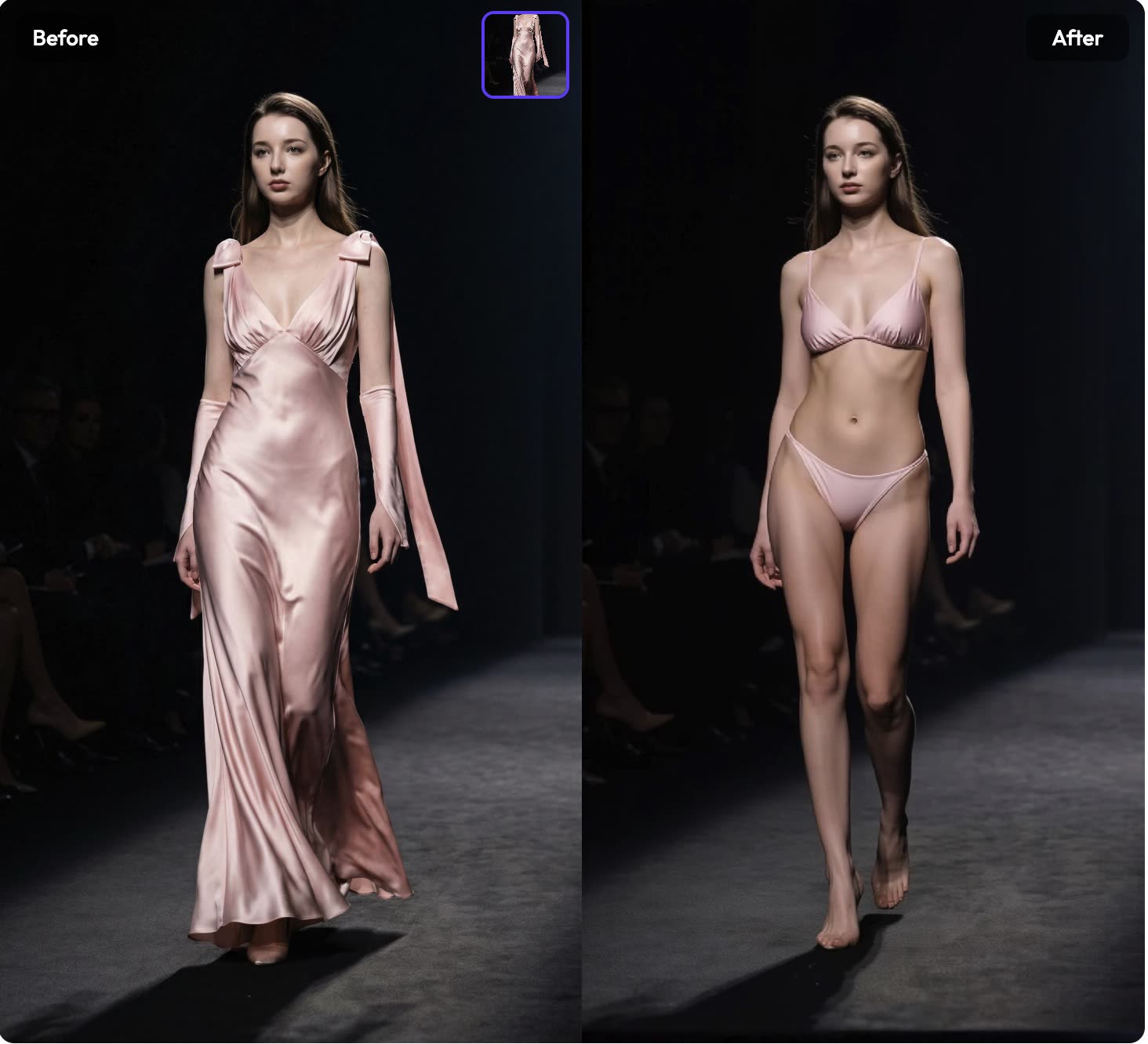
A front-facing, well-lit photo gives the best result
Drop in a JPG or PNG up to 10MB. Waist-up or full-body framings work best because the model has more of the silhouette to reason about. The model uses the pose, proportions, and lighting from the input to decide how the new base layer should sit on the body.
Built as a first pass in a larger wardrobe pipeline, not a standalone trick.
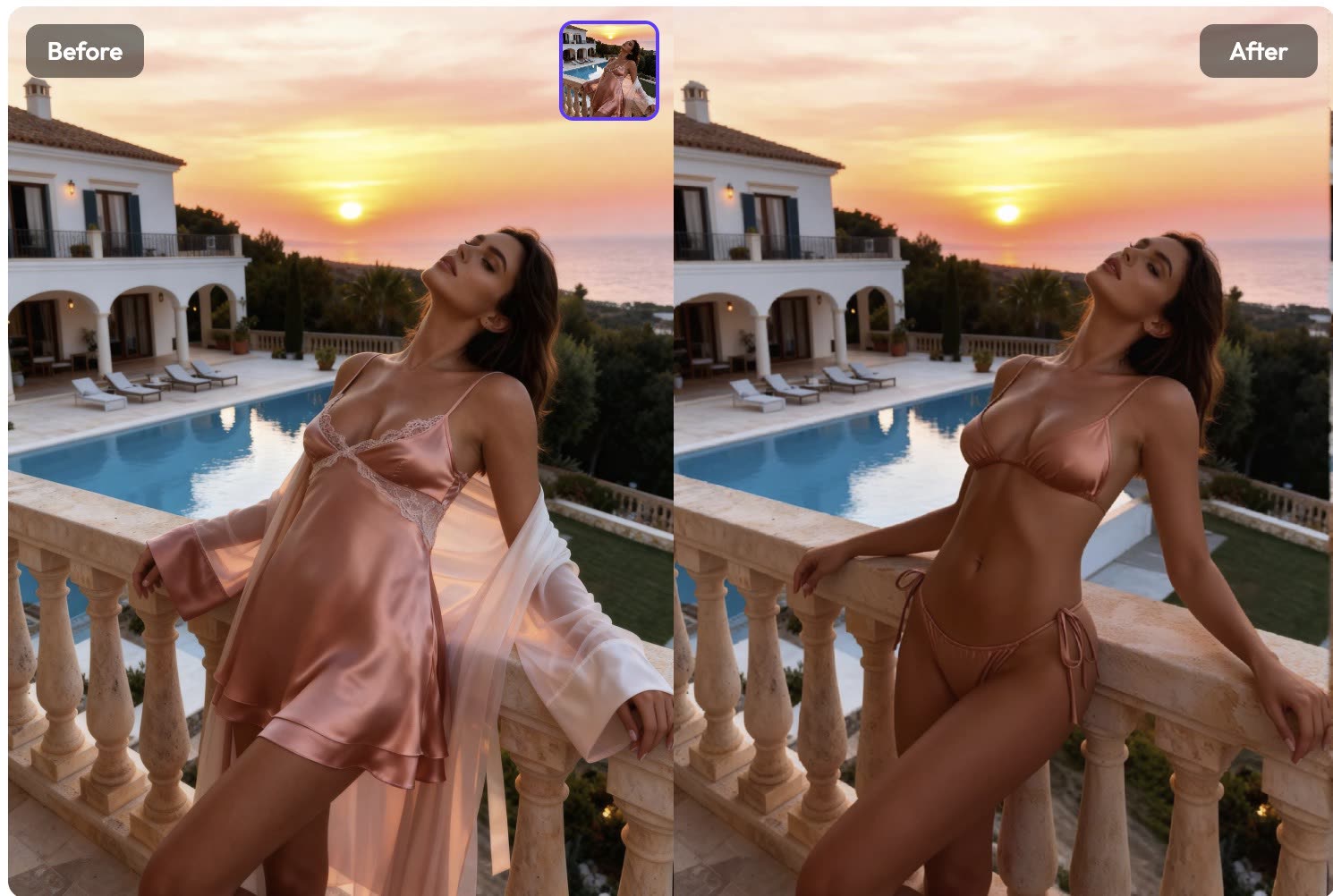
The AI Clothes Remover works on a tight target region only. Facial identity, hair, jewellery, background, and lighting direction all remain pixel-for-pixel identical to the source. That makes the output safe to hand off to a retoucher or a design team without rebuilding the surrounding scene.
Try It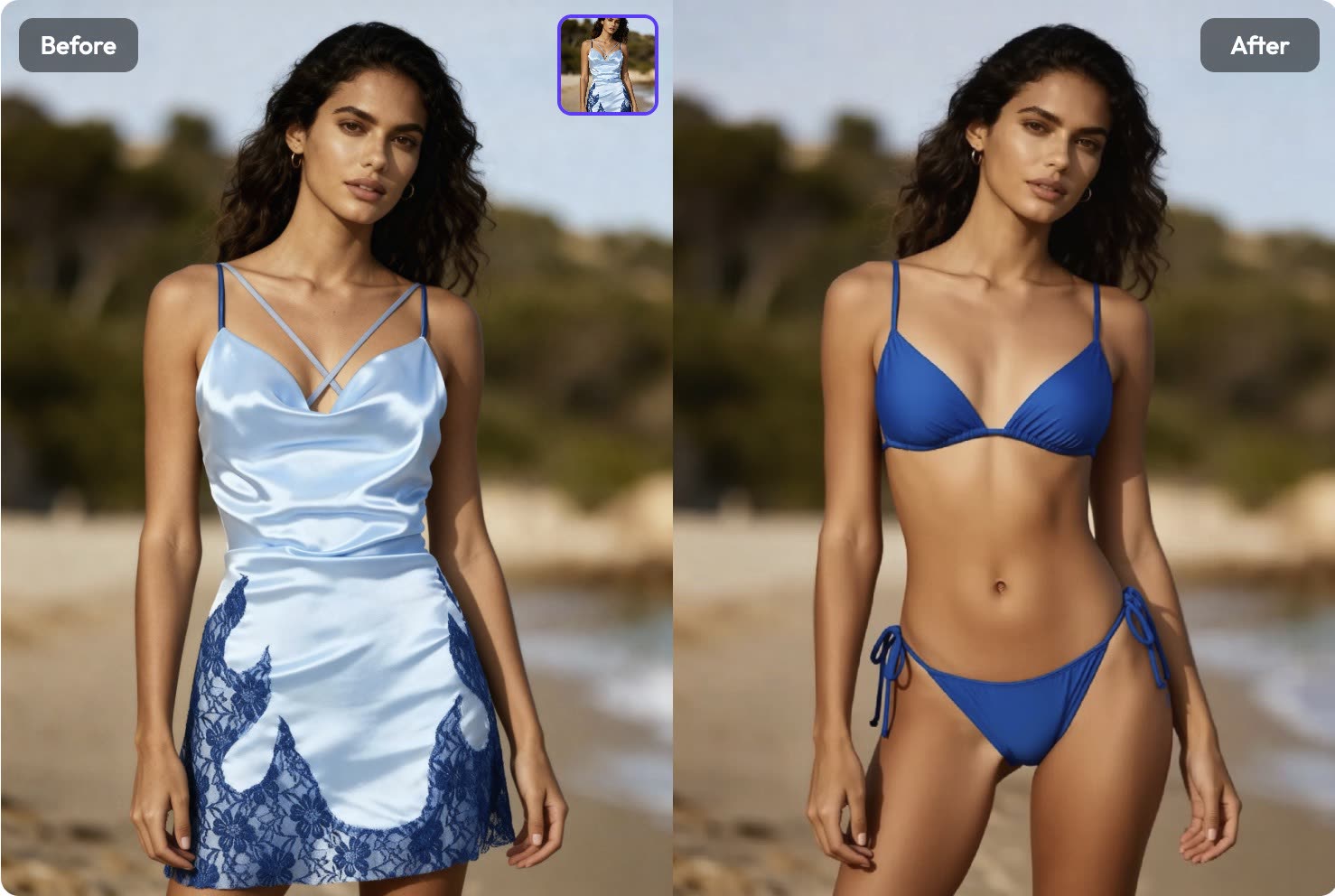
Most one-shot wardrobe tools leave a visible halo where the edit meets the skin or hair. The model behind this effect was tuned specifically to land clean, believable edges so the base layer drops into a compositing pipeline without manual cleanup.
See Samples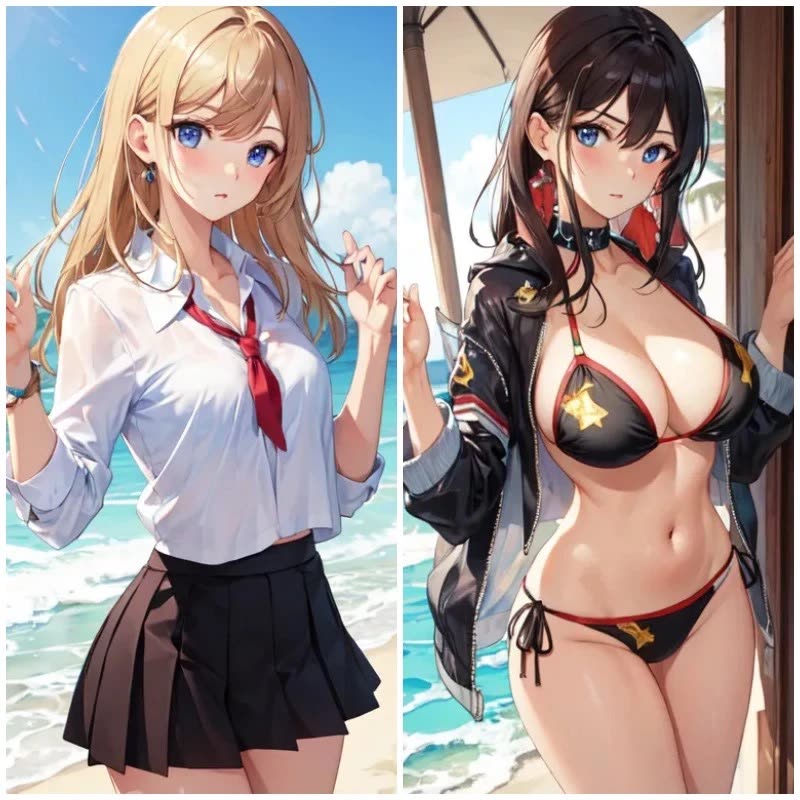
Each render finishes in about 90 to 120 seconds. Output arrives at the original resolution with no watermark and no export queue. Credits are only charged when a render succeeds, so a failed job does not cost anything.
Start NowBrowse the images, comparisons, and videos featured on this effect page.
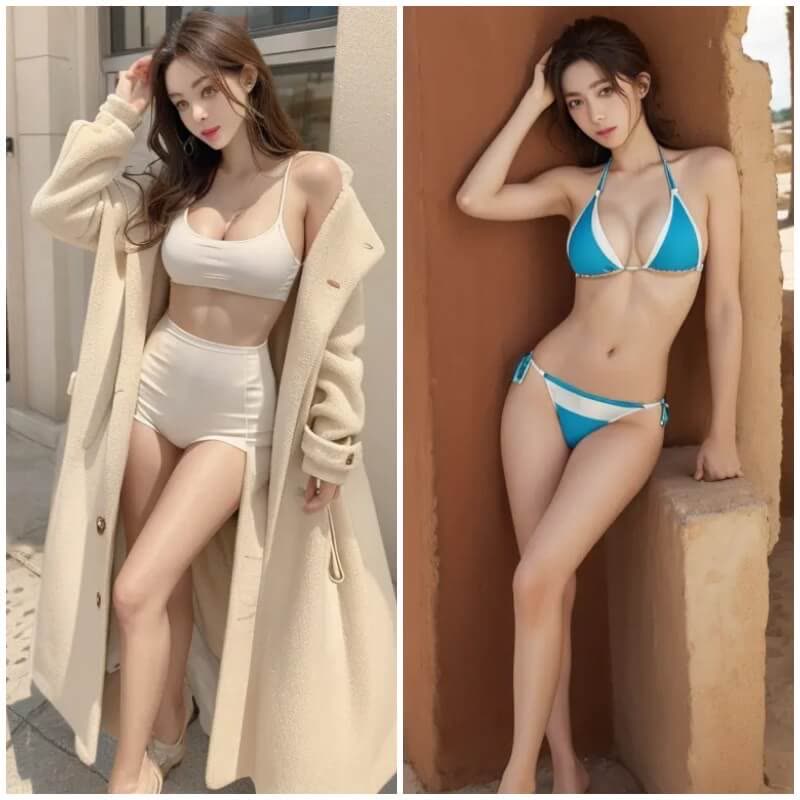
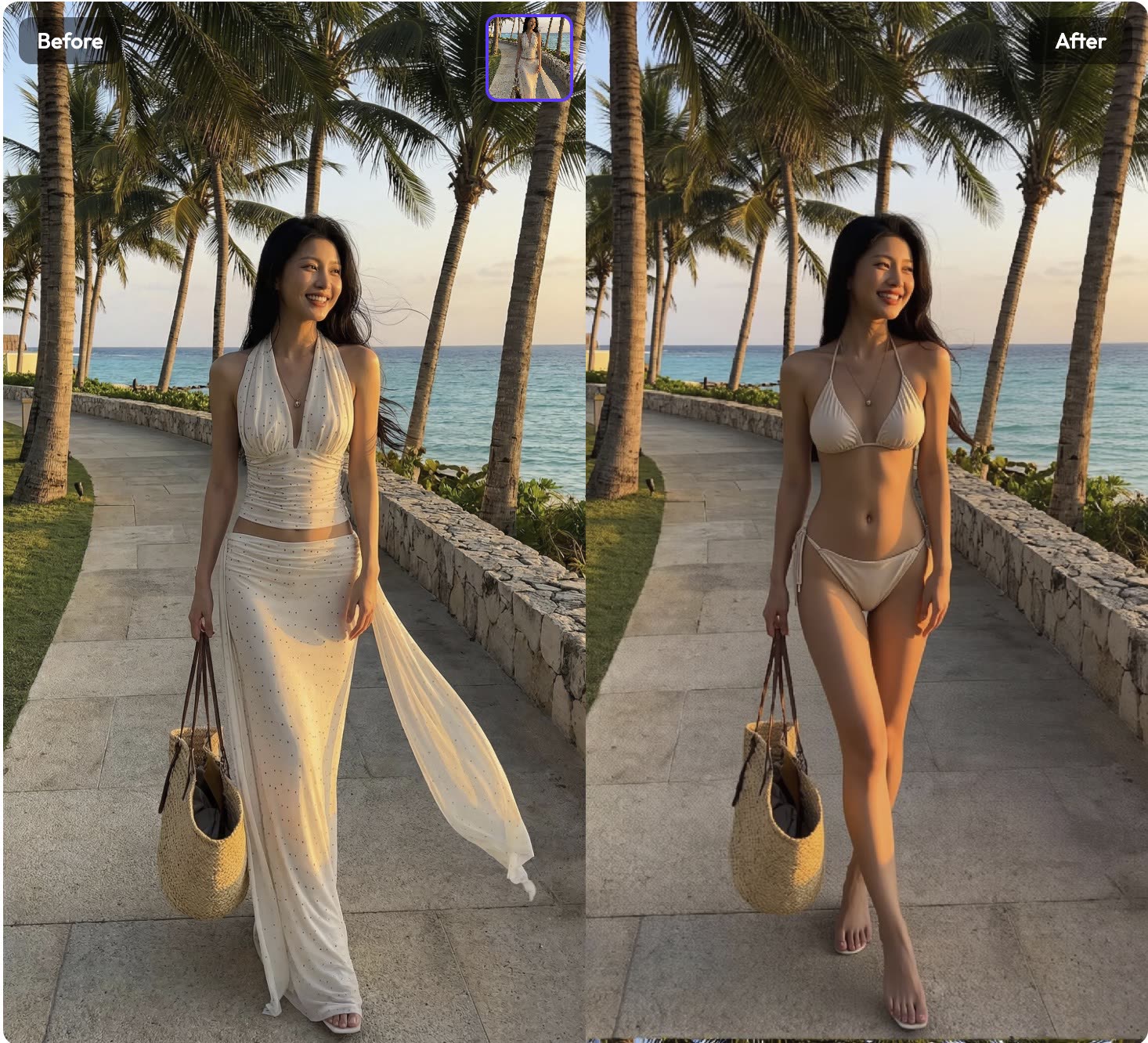
Legitimate design and editorial workflows where the AI Clothes Remover replaces hours of manual liquify and masking.
Designers swap outfits on a model photo to preview how a new garment reads on camera before organising a reshoot or sewing a sample.
Costume makers clear the existing outfit from a reference photo so they can paint or composite a new costume concept over a consistent base pose.
Character designers use this effect as a first pass when iterating wardrobe options for a brief without re-rendering the full character.
Retouchers use this effect as a rough first pass before cleaning up the composition by hand. It cuts 20 minutes of manual masking down to one click.
Creators make before/after outfit swap posts and reels without opening Photoshop, using the AI Clothes Remover output as the base layer.
People experiment with outfit changes on their own photos as a private creative exercise, with no sharing unless they choose to share.
“The base layer lands clean enough that I can paint a new jacket on top without masking anything by hand.”
Sarah Kim
Fashion Designer
“One click replaced a mask-and-liquify workflow I used to do by hand. The AI Clothes Remover saves me about an hour per campaign edit.”
James Patel
Photo Retoucher
“The output respects the original lighting direction. That is the hard part, and this effect actually handles it.”

Lisa Chen
Digital Artist
“We use it as a first pass on swimwear shoots. Faster than a full liquify and the team still owns the creative decisions.”

Mike Torres
Art Director
“No prompt, no mask, no slider. Upload, click, compose. That is the entire loop.”

Emma Davis
Designer
Still have questions? We're here to help
Upload a portrait you own or have permission to edit, click Generate, and get a clean wardrobe-neutral base layer in under two minutes. No prompt engineering, no manual masking.