Poznaj naszą kolekcję narzędzi AI i wciel swoje kreatywne pomysły w życie
One upload. One click. A realistic Face Swap result.
The tool is a single-purpose AI image utility that takes any photo and swaps the face in seconds. There is no Photoshop workflow, no manual alignment, no masking, and no skin-tone tuning. You upload an image, pick a source face, click Swap Face, and the model handles detection, mapping, lighting match, and blending on its own. The output arrives in under ten seconds at the original resolution, ready to drop into a thumbnail, a meme, a design comp, or a group-photo fix. The tool is built for personal content, creative editorial work, marketing prototypes, and photo cleanups on images you have permission to edit. It is not a tool for generating non-consensual imagery of real people, and the terms of service prohibit that kind of use.
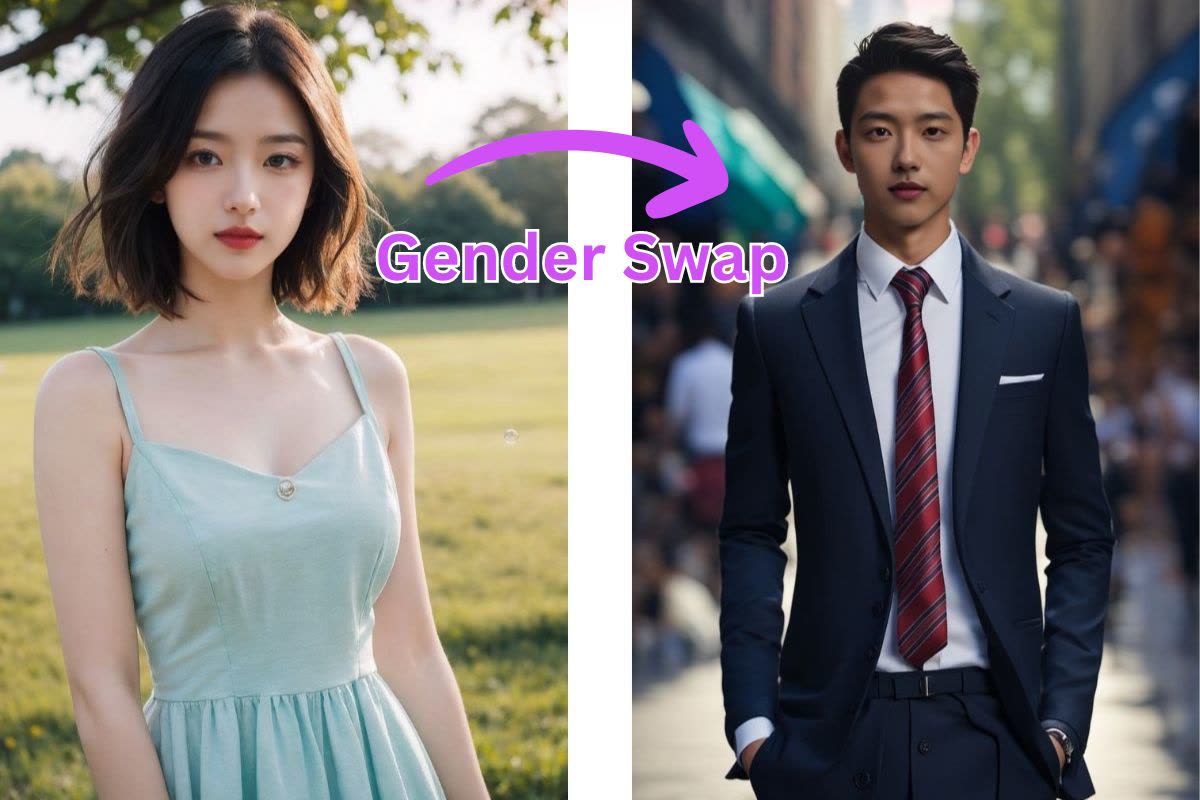
Three steps from upload to a finished Face Swap result.
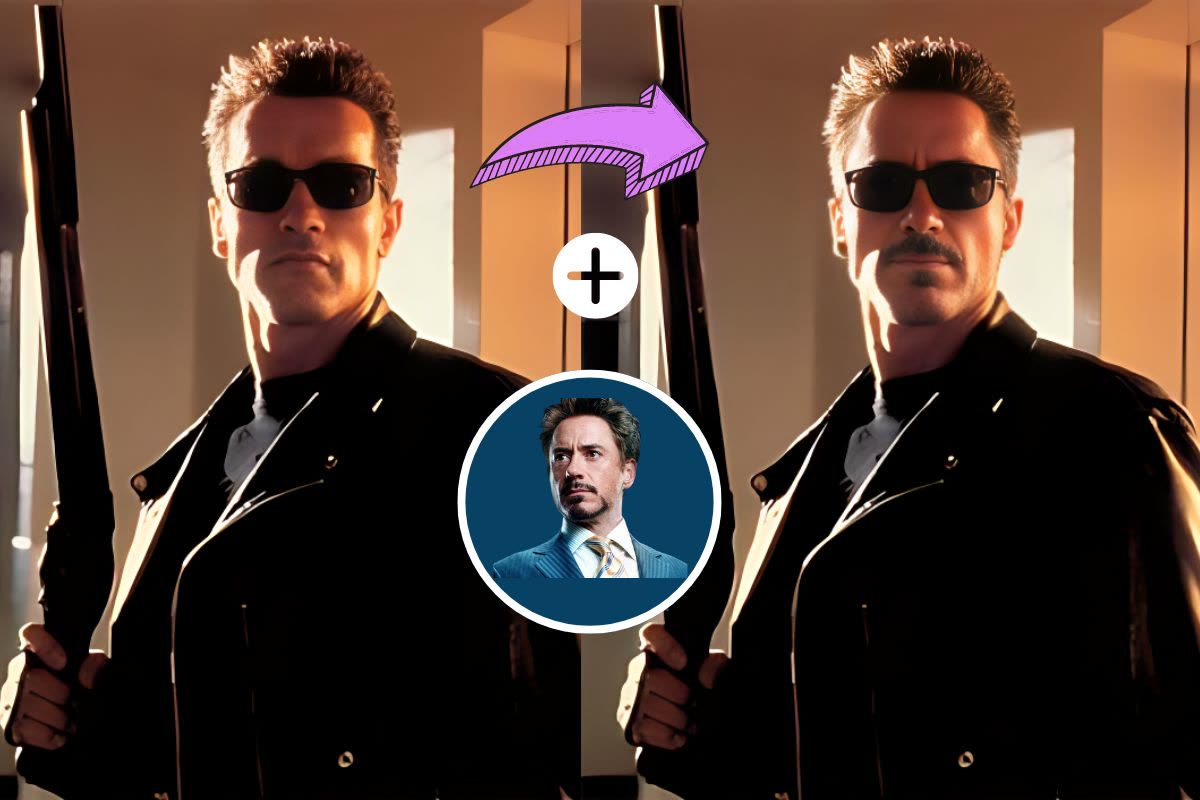
Drop any photo to begin
Upload a JPG, PNG, or WebP up to 12MB. Face Swap works on selfies, group photos, portraits, stills from video, and stock imagery. The model reads lighting direction, facial angle, and skin tone from the input so the swap blends cleanly into the original scene.
Representative results across different styles, angles, and lighting conditions.
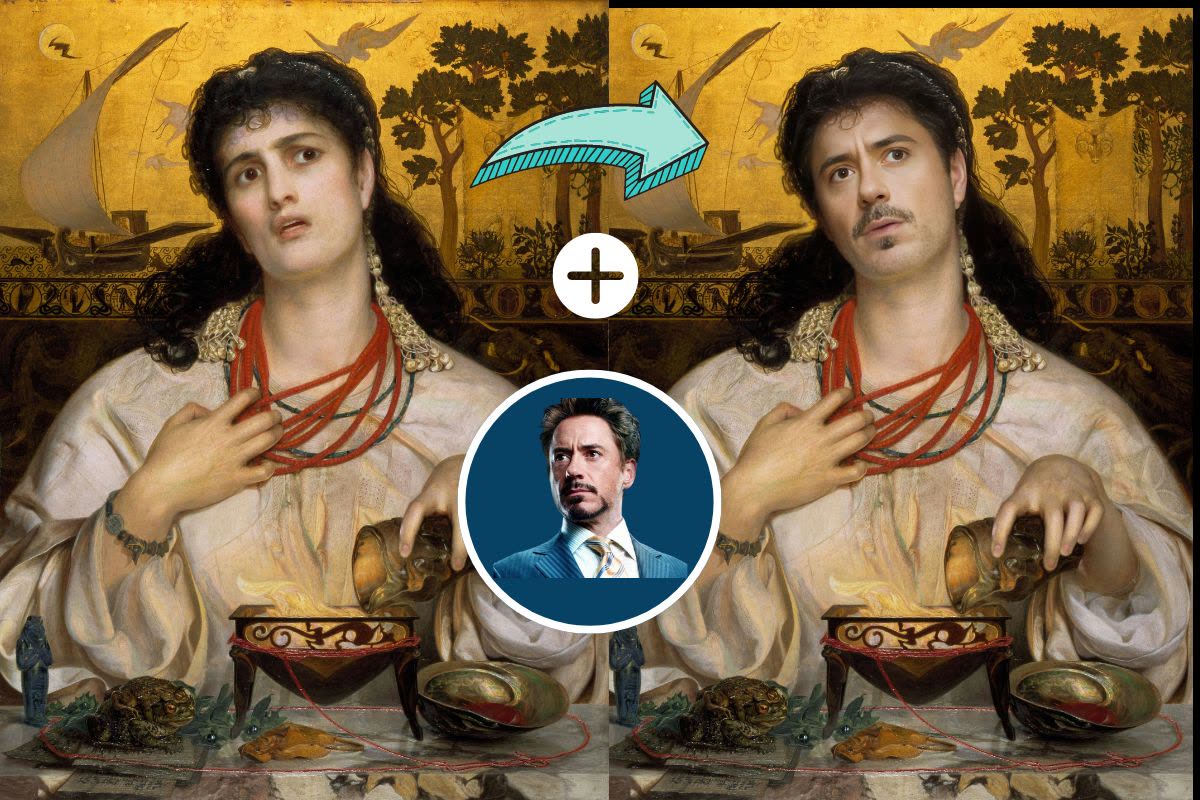
The model matches skin tone, lighting, and facial angle for seamless blending. The result looks natural enough that a casual viewer cannot tell where the swap happened, so the image drops cleanly into a meme post or a thumbnail.
Try It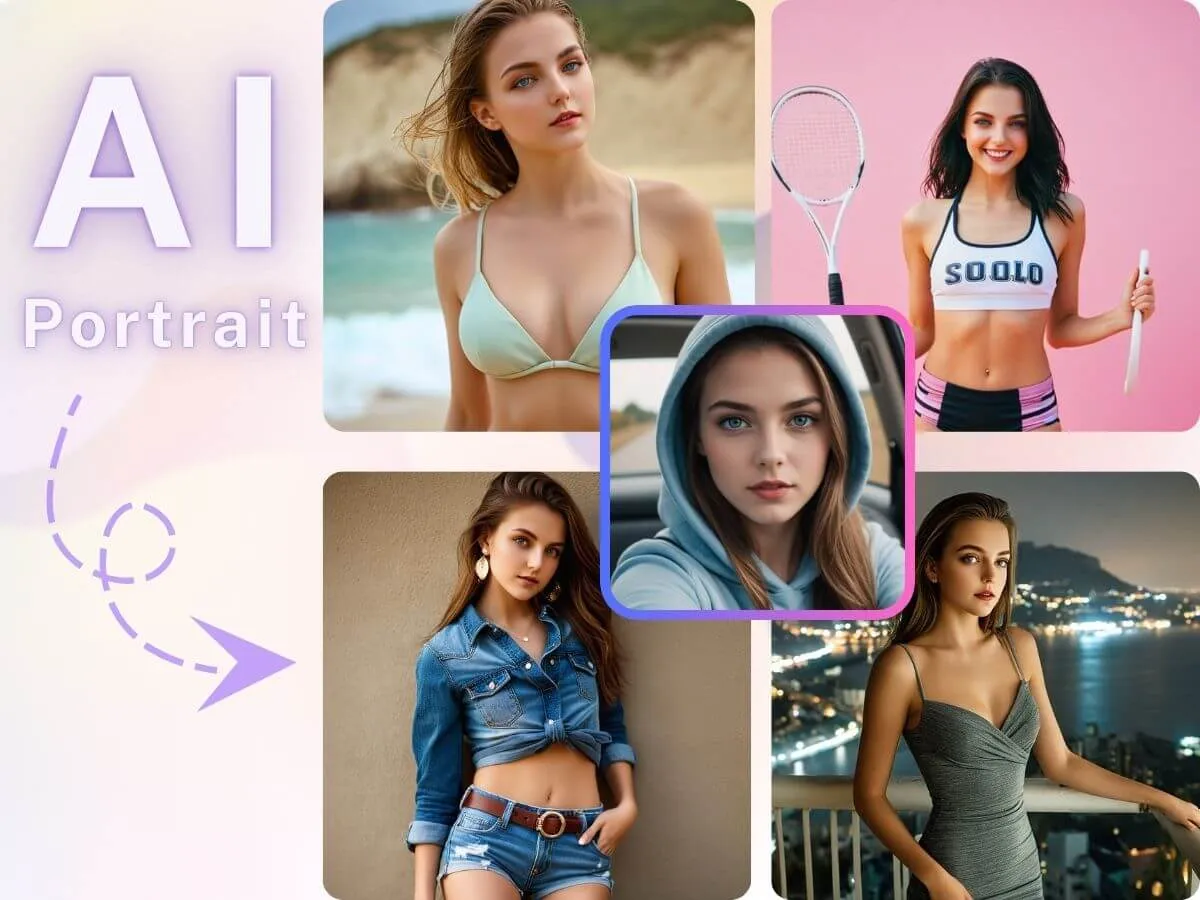
Front-facing, tilted, three-quarter, or full profile — the model maps facial landmarks in three dimensions, so the swap keeps the original head pose instead of awkwardly snapping to a head-on view.
Try It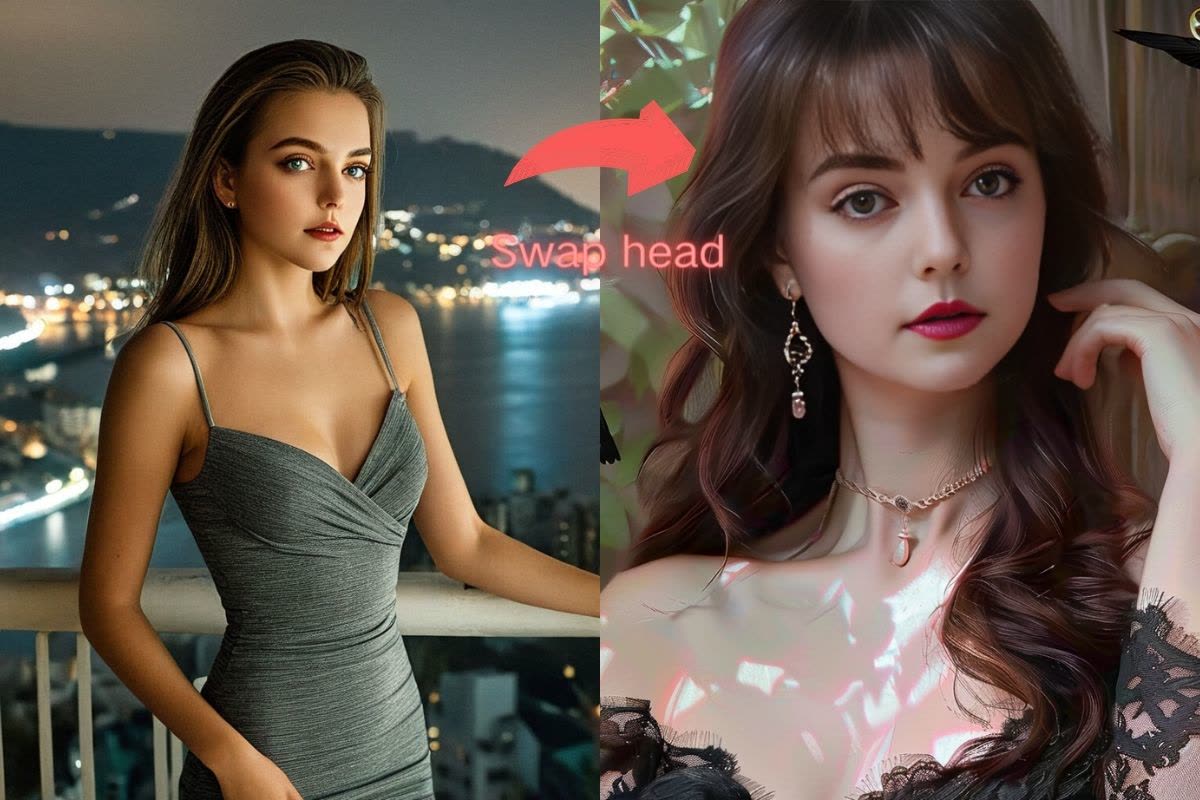
The tool preserves the original facial expression and emotion from the target photo while swapping in the new identity. The result feels authentic rather than pasted, which is the difference between a shareable result and an obvious edit.
Try ItSee what the tool can produce across different styles, lighting setups, and camera angles.
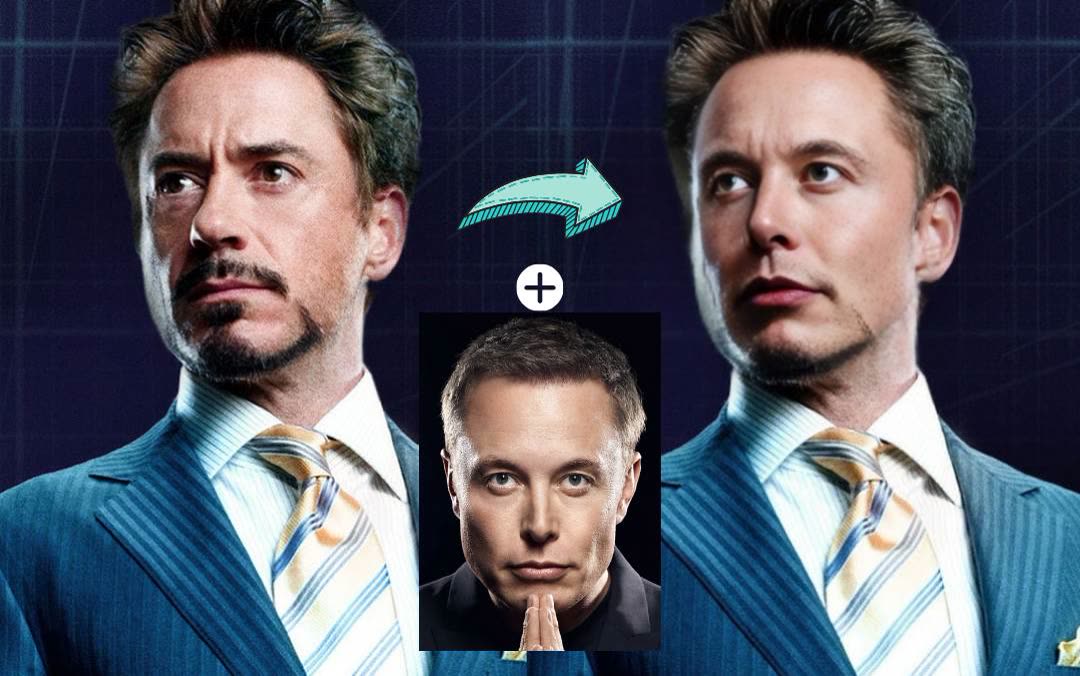
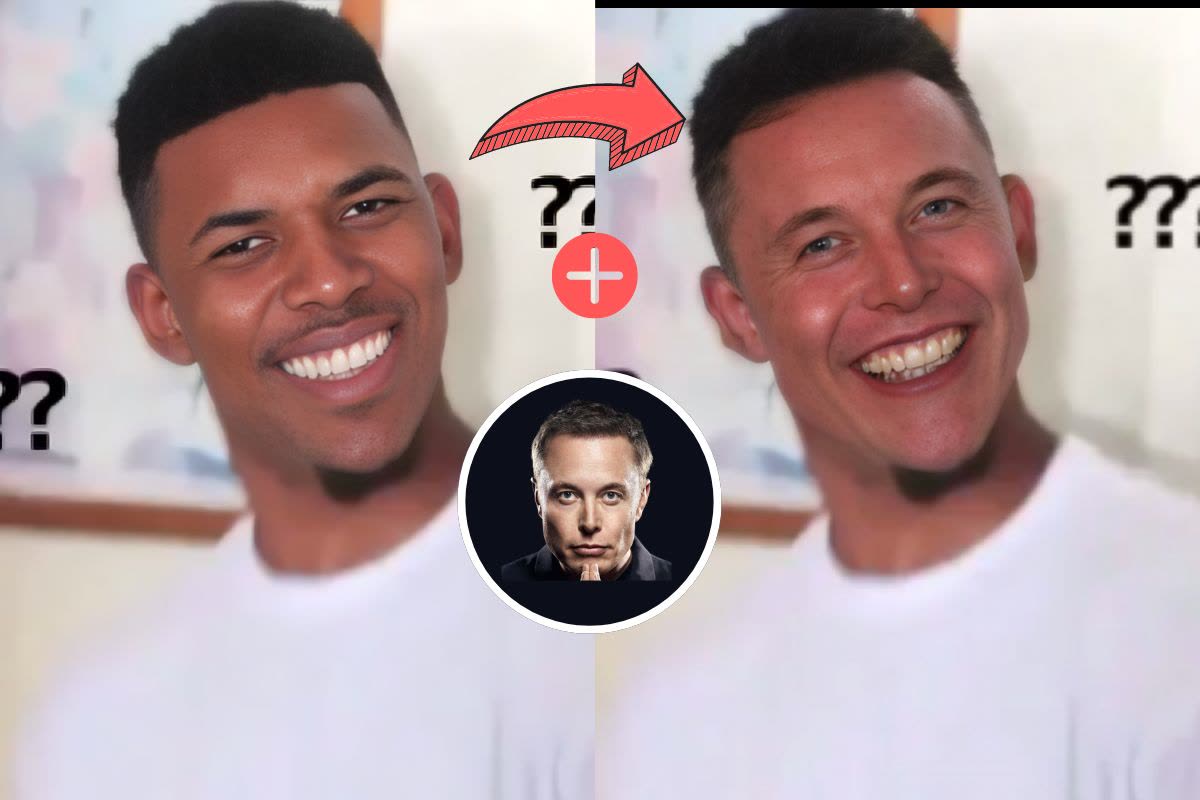
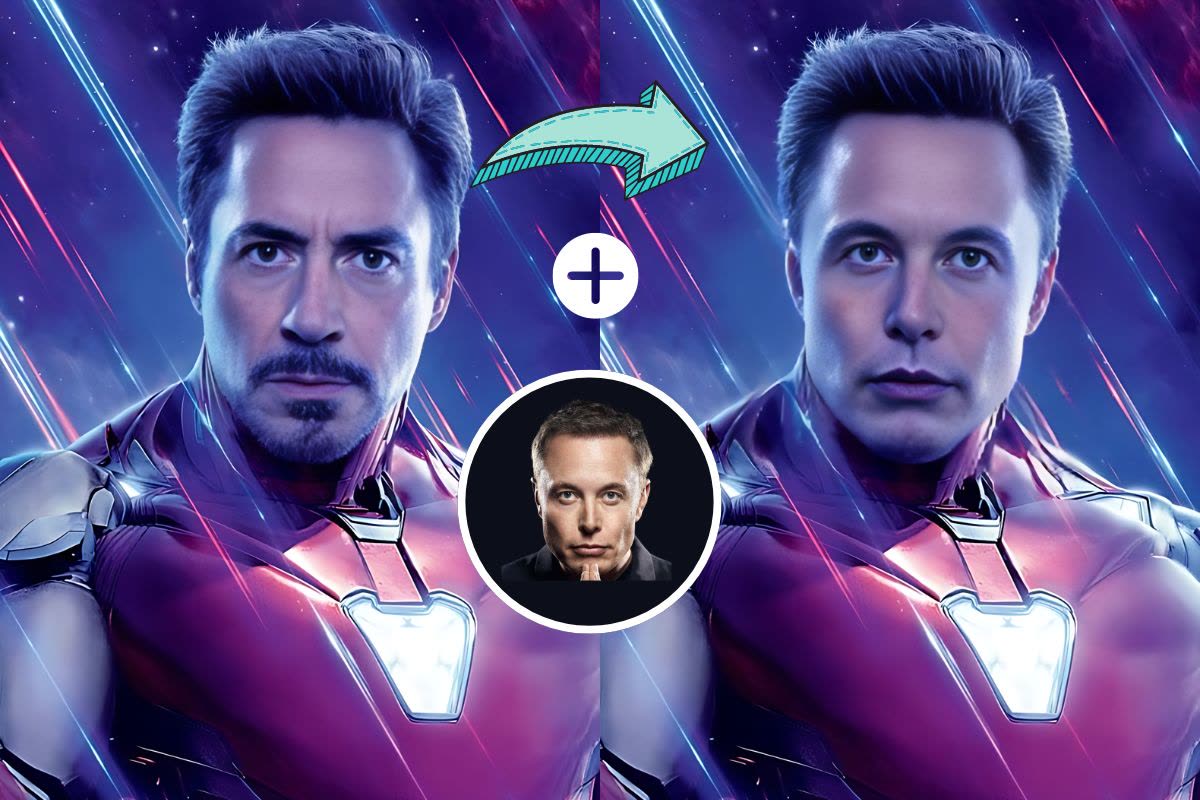
Common workflows where a one-click Face Swap replaces hours of manual compositing in Photoshop.
Creators make meme posts, reaction thumbnails, and themed series by running stills through the tool, turning a ten-minute edit into a five-second click.
YouTubers and TikTokers build attention-grabbing thumbnails by swapping faces across frames. The model keeps lighting and expression stable across a thumbnail set.
Designers prototype layouts and mockups with quick swap passes instead of booking a new photo shoot for every stakeholder review.
Marketing teams use Face Swap to localise ad creative for different markets. One hero shot becomes several regional variants without reshooting the campaign.
Wedding and event photographers fix blinks, grimaces, and off-moment expressions in group photos by swapping in the subject's best expression from an adjacent frame.
Friends run Face Swap on group photos for laughs, shareable birthday moments, and private creative projects. Every result stays in your account unless you choose to share it.
“I use the tool for meme content daily. The blending is realistic enough that my followers cannot tell it is AI.”
Ava Chen
Content Creator
“The quality is genuinely impressive. It handles different lighting conditions and skin tones cleanly. Way better than the free tools I tried before.”
Marco Silva
Graphic Designer
“Upload, click, done. The Face Swap mapping is accurate even on three-quarter profiles, which most tools cannot handle.”

Priya Patel
Social Media Manager
“Saved our team from a full campaign reshoot. We swapped in the correct face across the hero set in seconds.”

Jordan Lee
Marketing Lead
“Six credits per Face Swap is fair for this quality. Best value tool I have tried.”

Kai Nakamura
Freelance Photographer
Still have questions? We're here to help
Upload a photo you own, click Swap Face, and get a realistic Face Swap result in under ten seconds. No Photoshop, no manual alignment, no waitlist.