

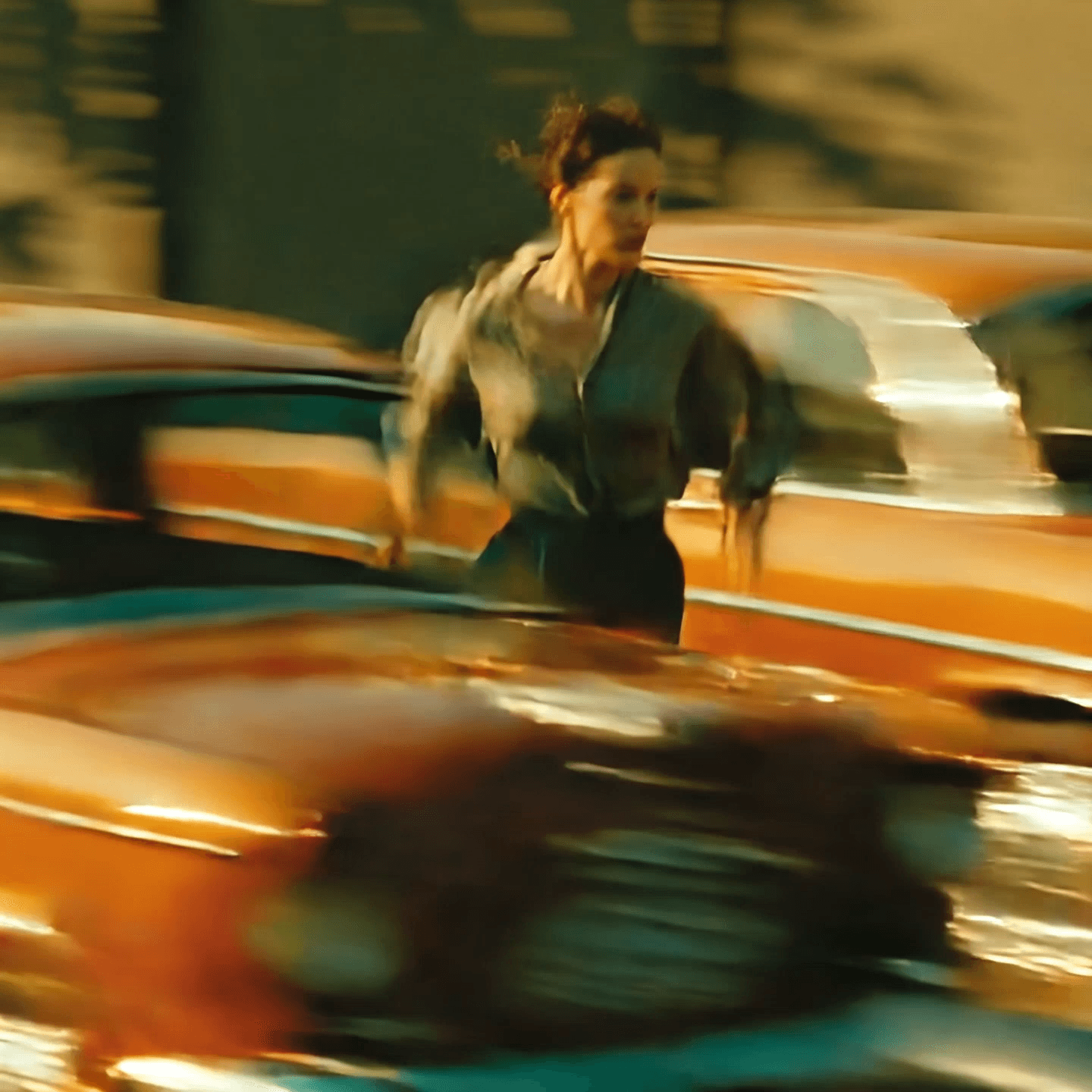

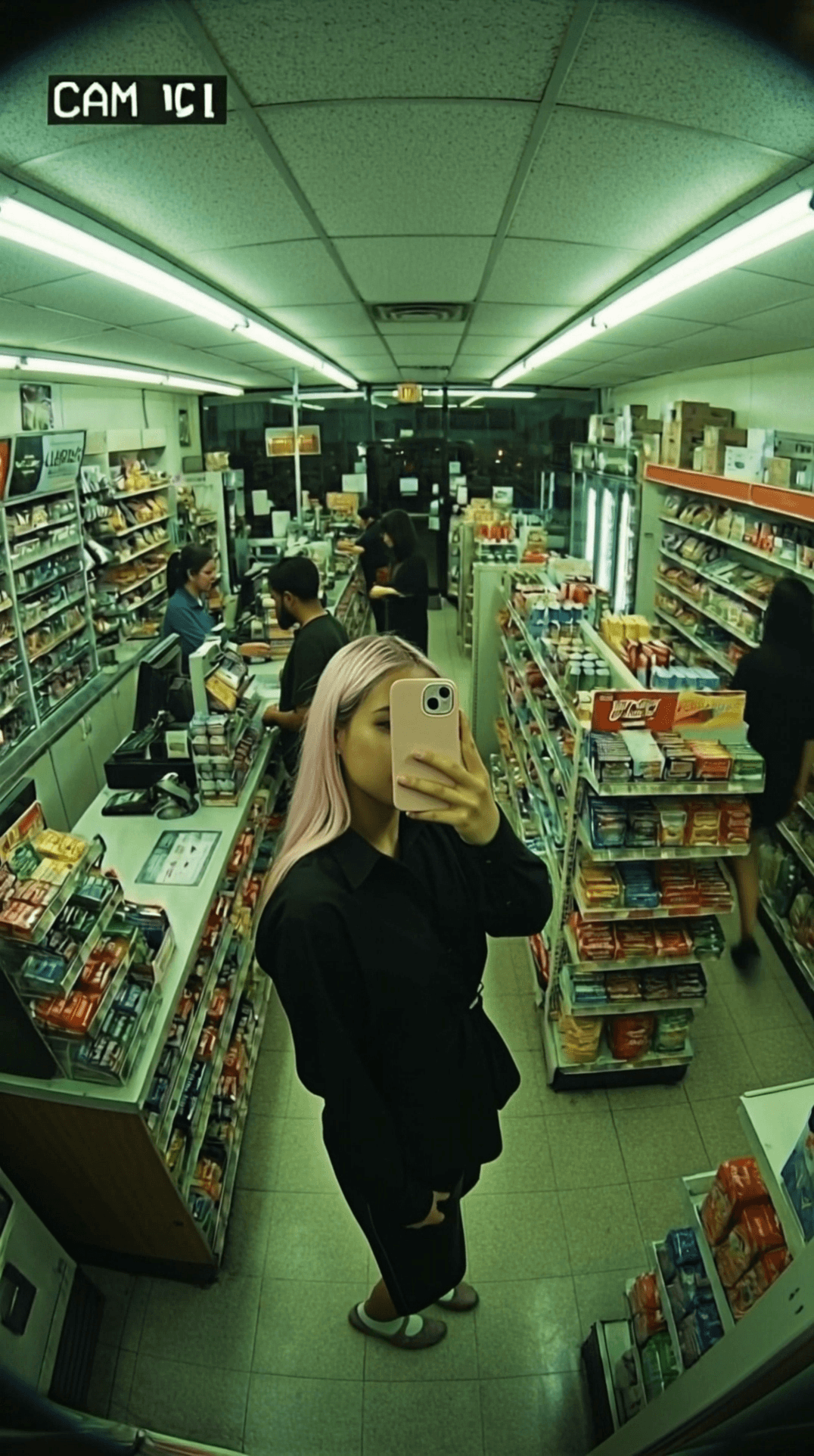
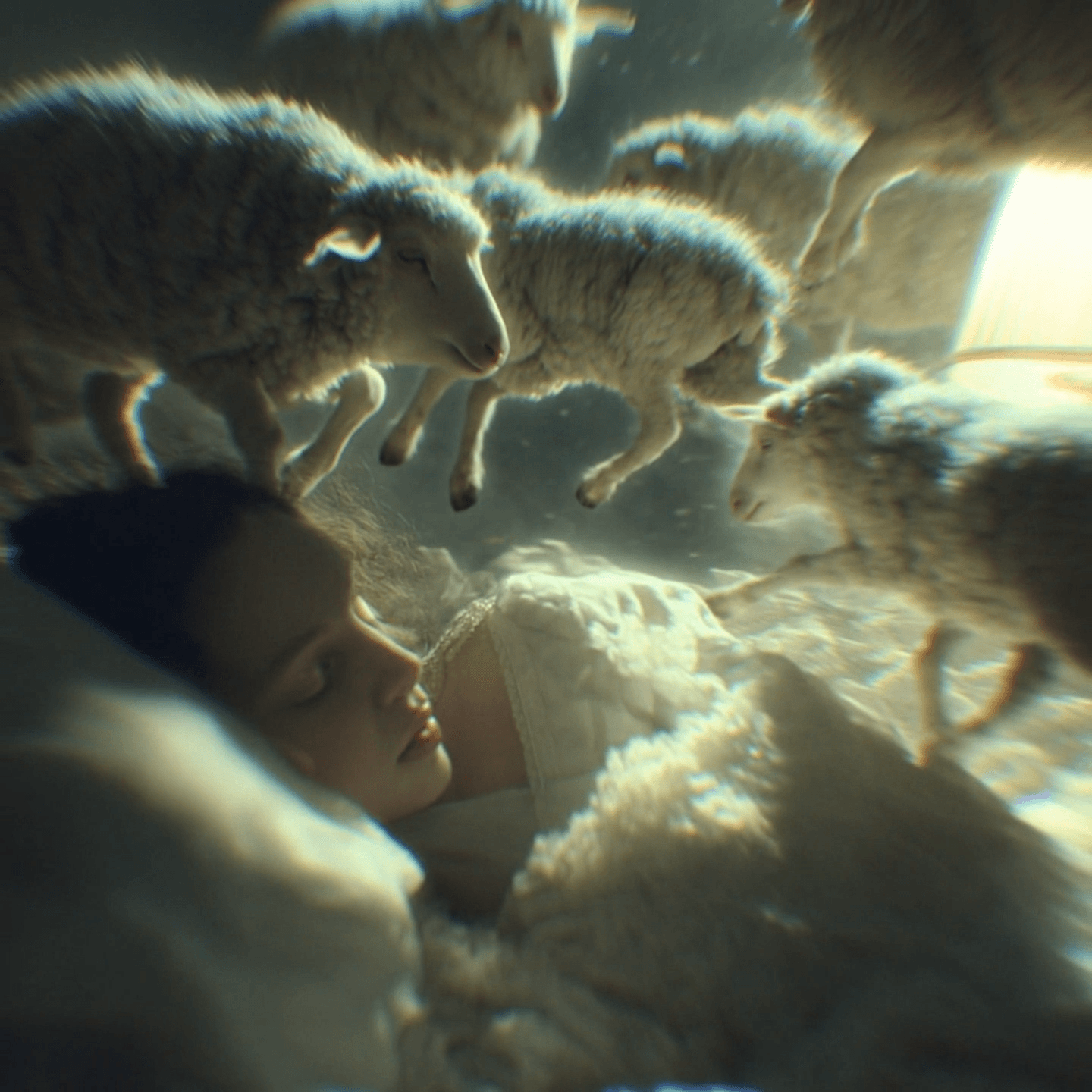
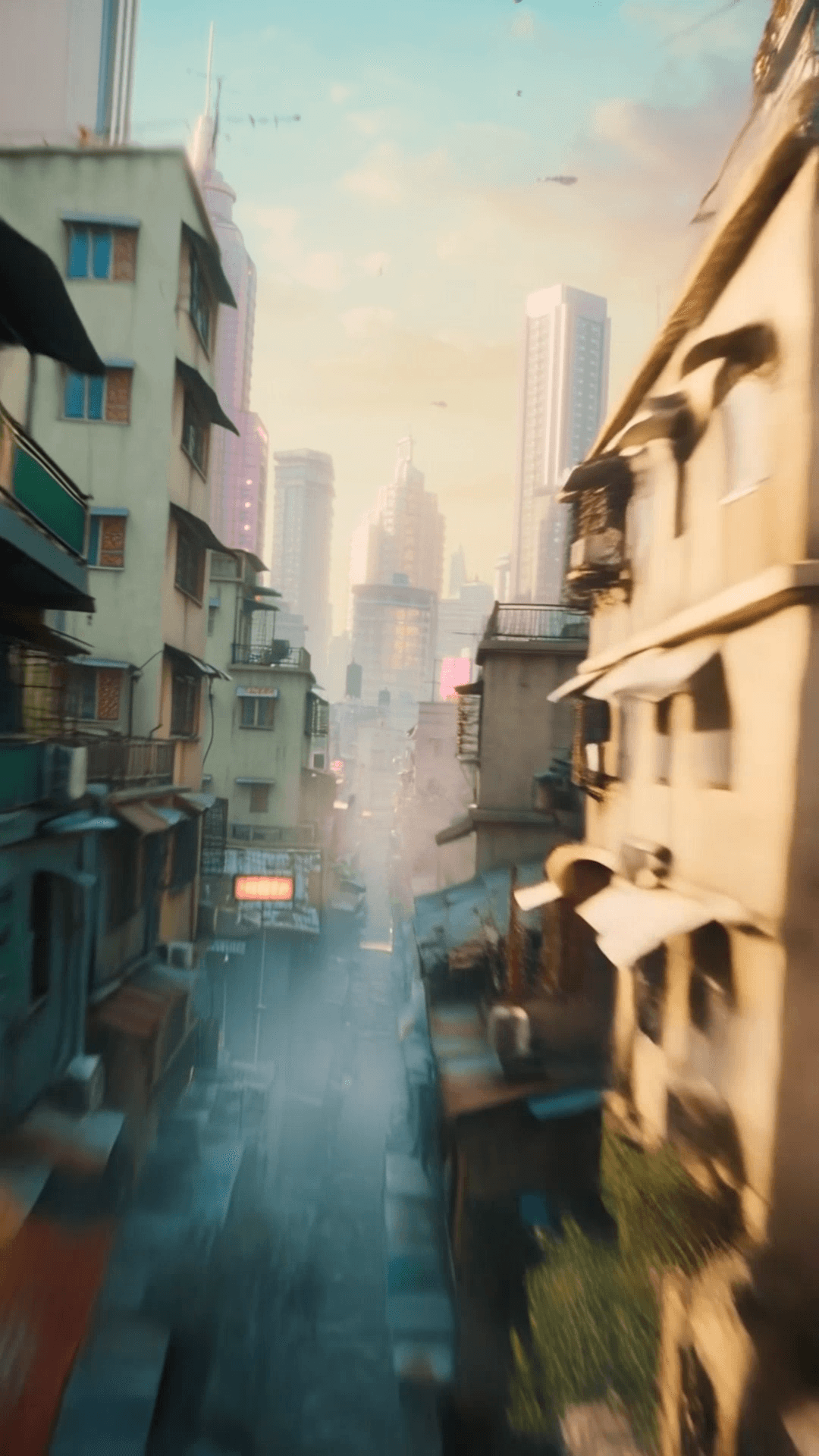
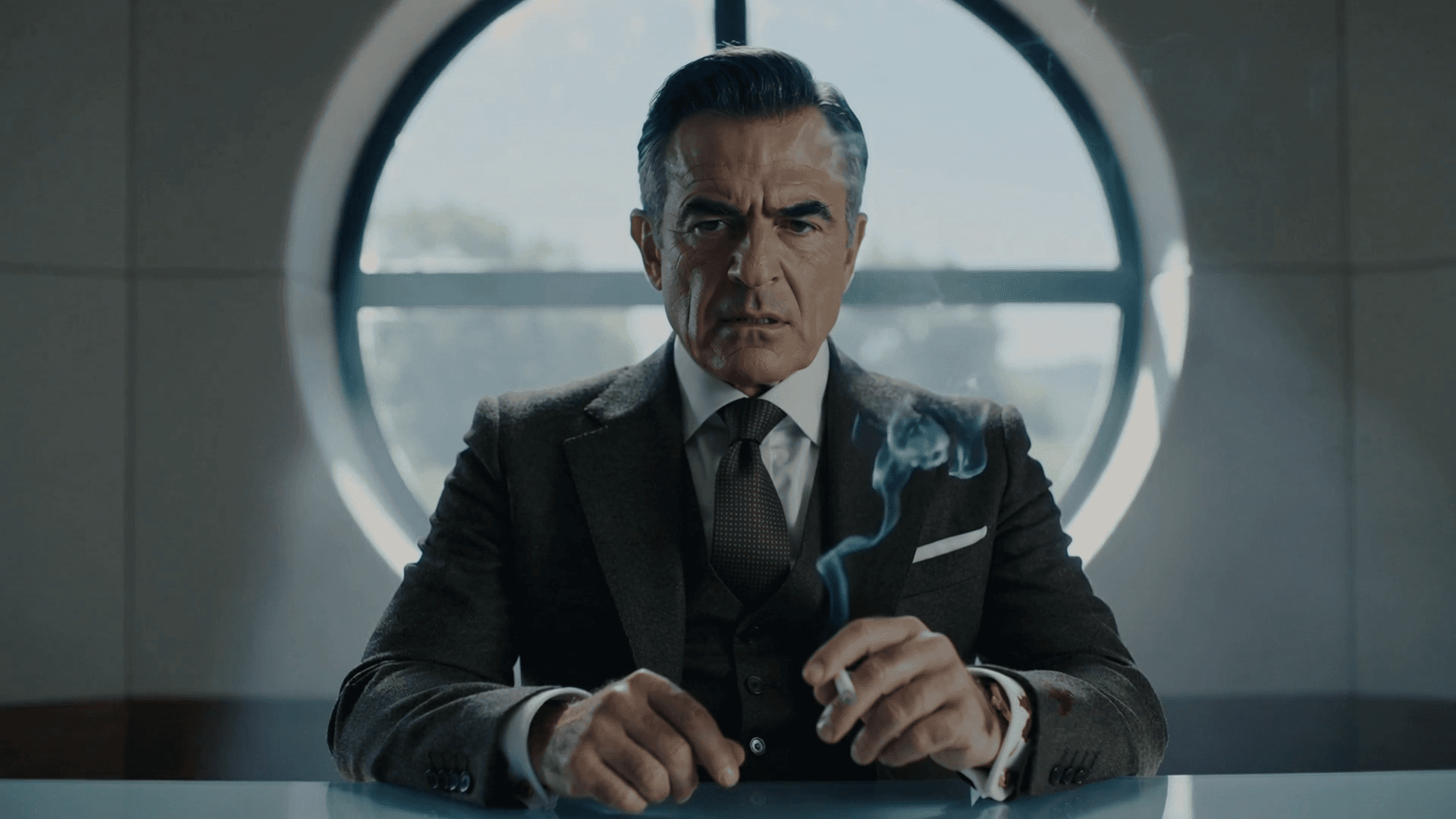
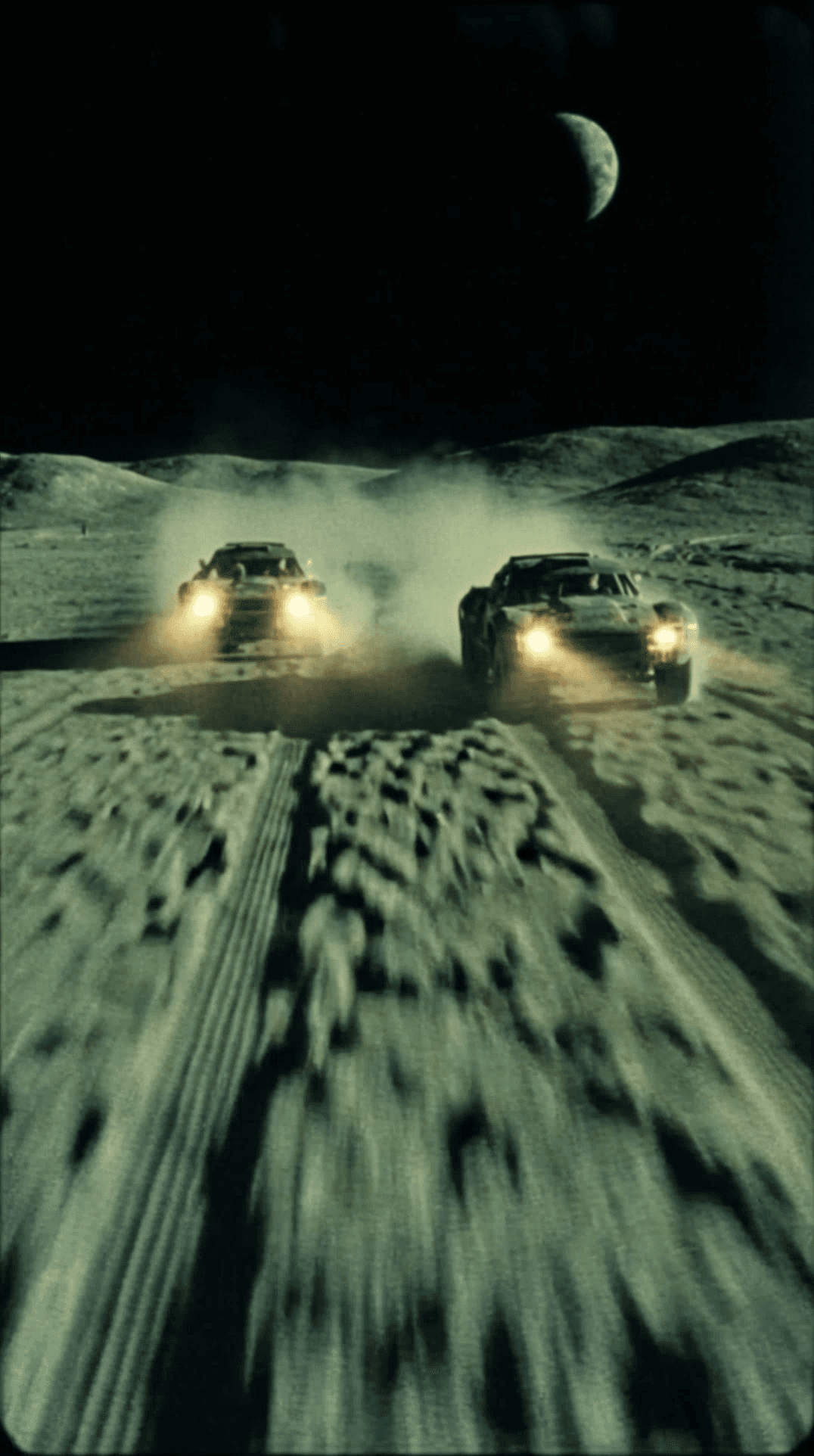


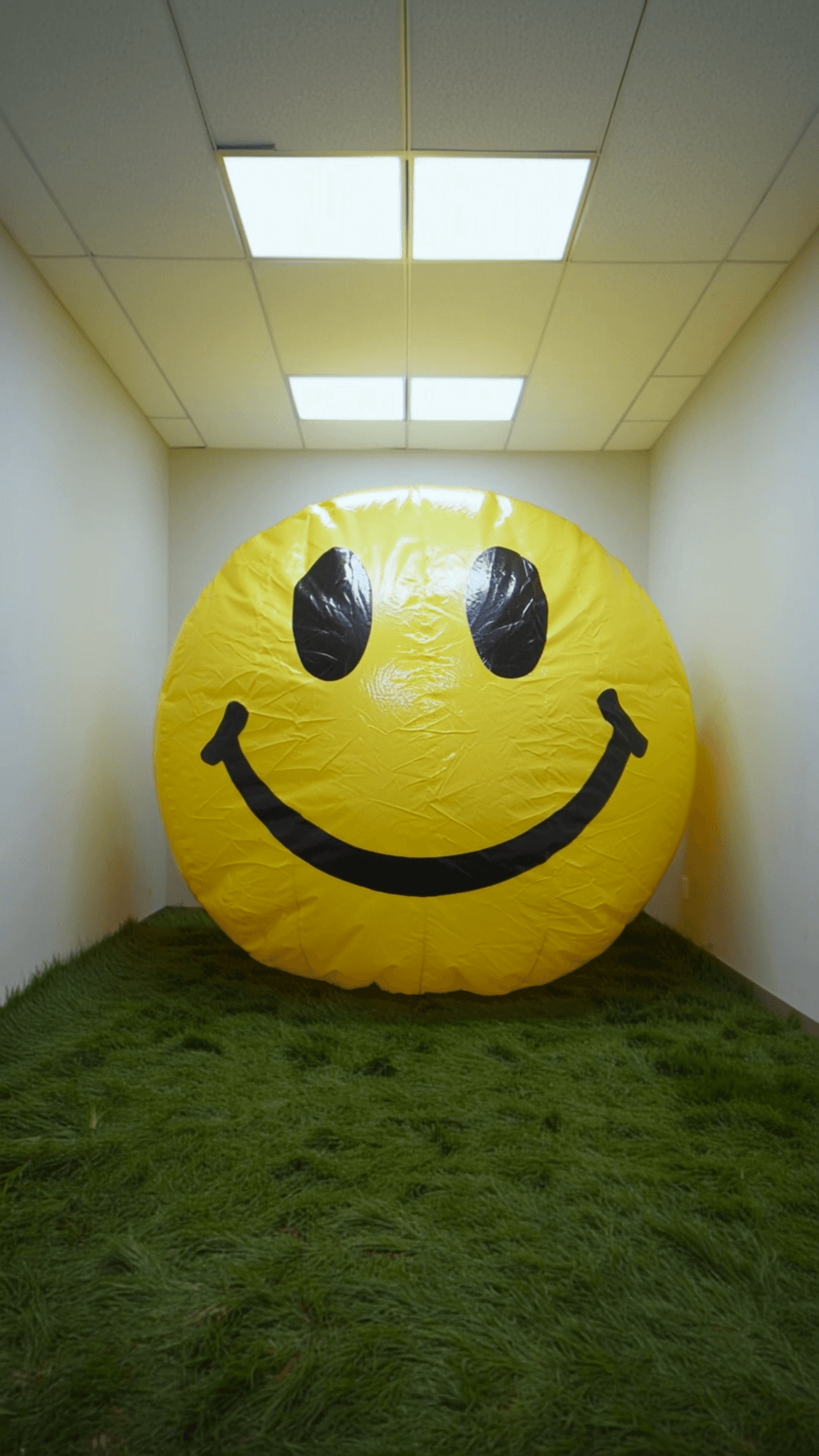

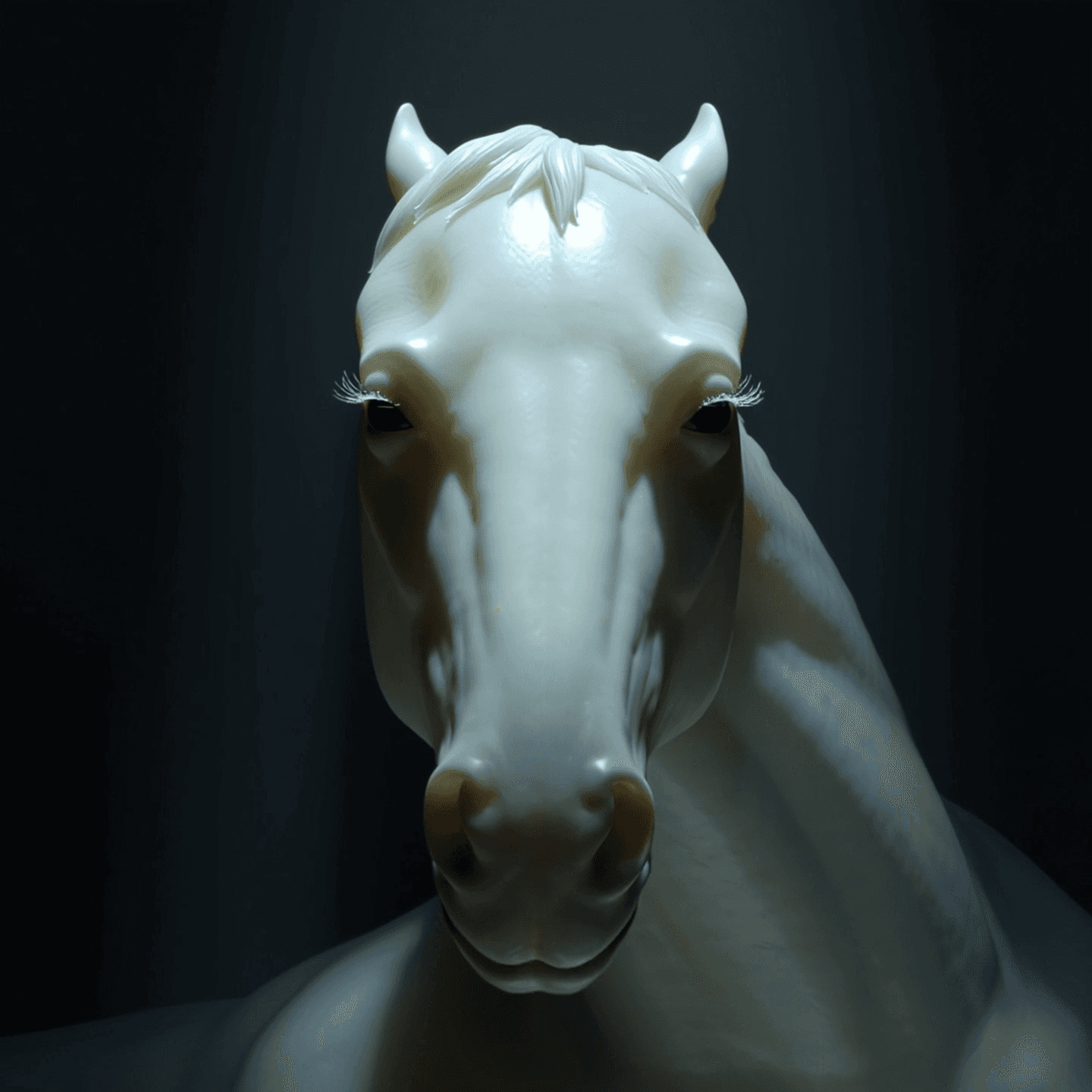

Explore our collection of powerful AI tools to bring your creative vision to life
Gemini Omni · Google Flow inspiration · Text-to-video · Image-to-video · Conversational editing direction
Gemini Omni is Google's new creative direction for Google Flow, focused on creating and refining video from multimodal input. It combines Gemini intelligence with generative media models for world understanding, multimodal references, precise video editing, and stronger character consistency. On MovArt, this Gemini Omni page is framed as a creative workspace for text prompts, image references, and natural-language video direction without presenting it as an official Google Flow integration.
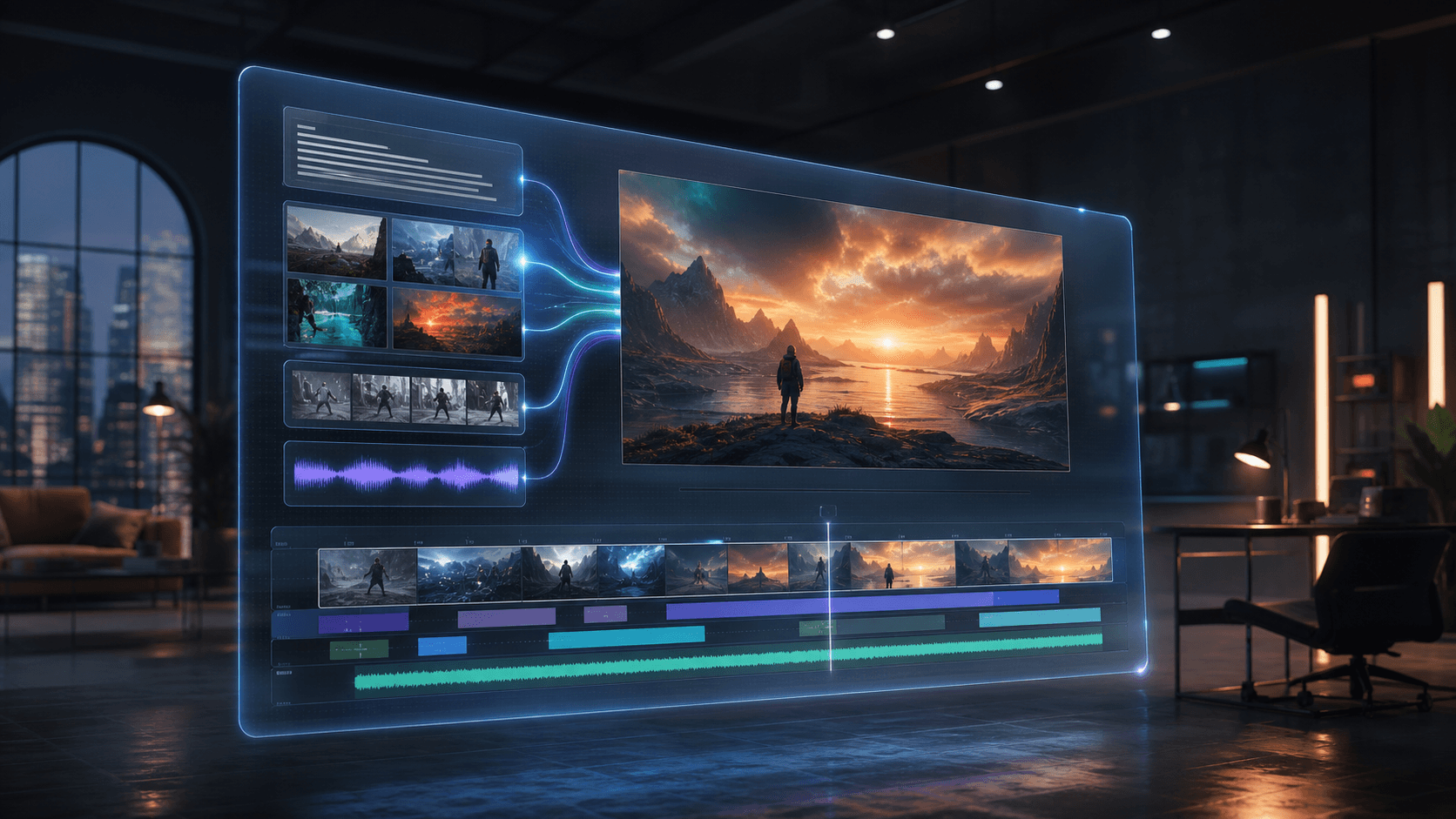
A practical workflow starts with text or image references, generates a short clip, and keeps creative direction explicit through natural-language iteration.
Describe the scene, camera, action, style, lighting, and rhythm
Use natural language to describe a short-form clip: who appears, where the scene happens, how the camera moves, and what the moment should feel like. Gemini Omni-style prompting is built for fast ideation and precise creative direction.
Google positions Gemini Omni around world understanding, multimodal references, precise editing, and character consistency. MovArt reflects that creative direction as a multimodal video workflow.
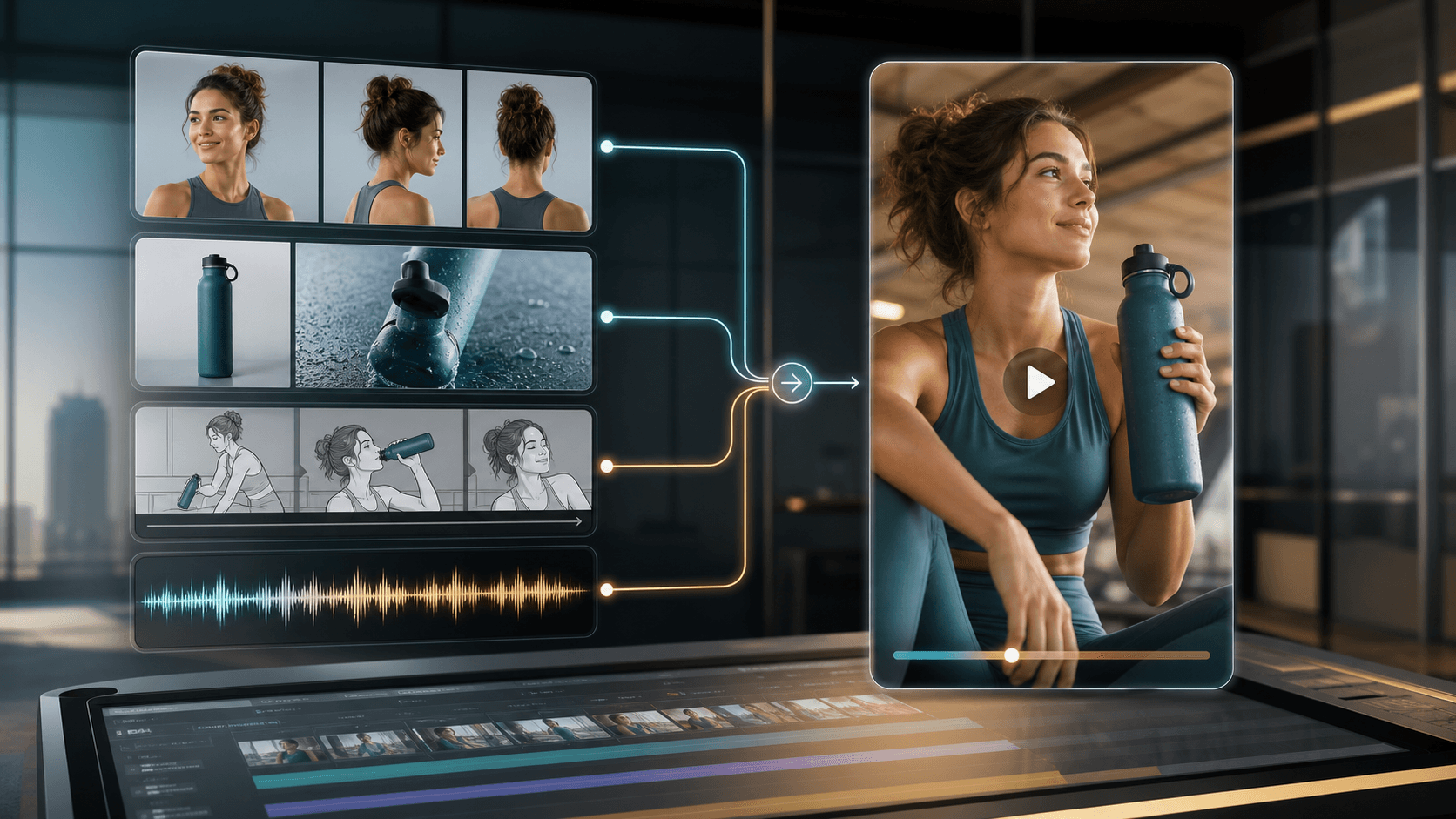
Gemini Omni is designed around many starting points: prompts, photos, reference images, source footage, and audio intent. In MovArt today, focus on text prompts and image references to guide character, scene, motion, visual tone, and rhythm.
Try reference prompting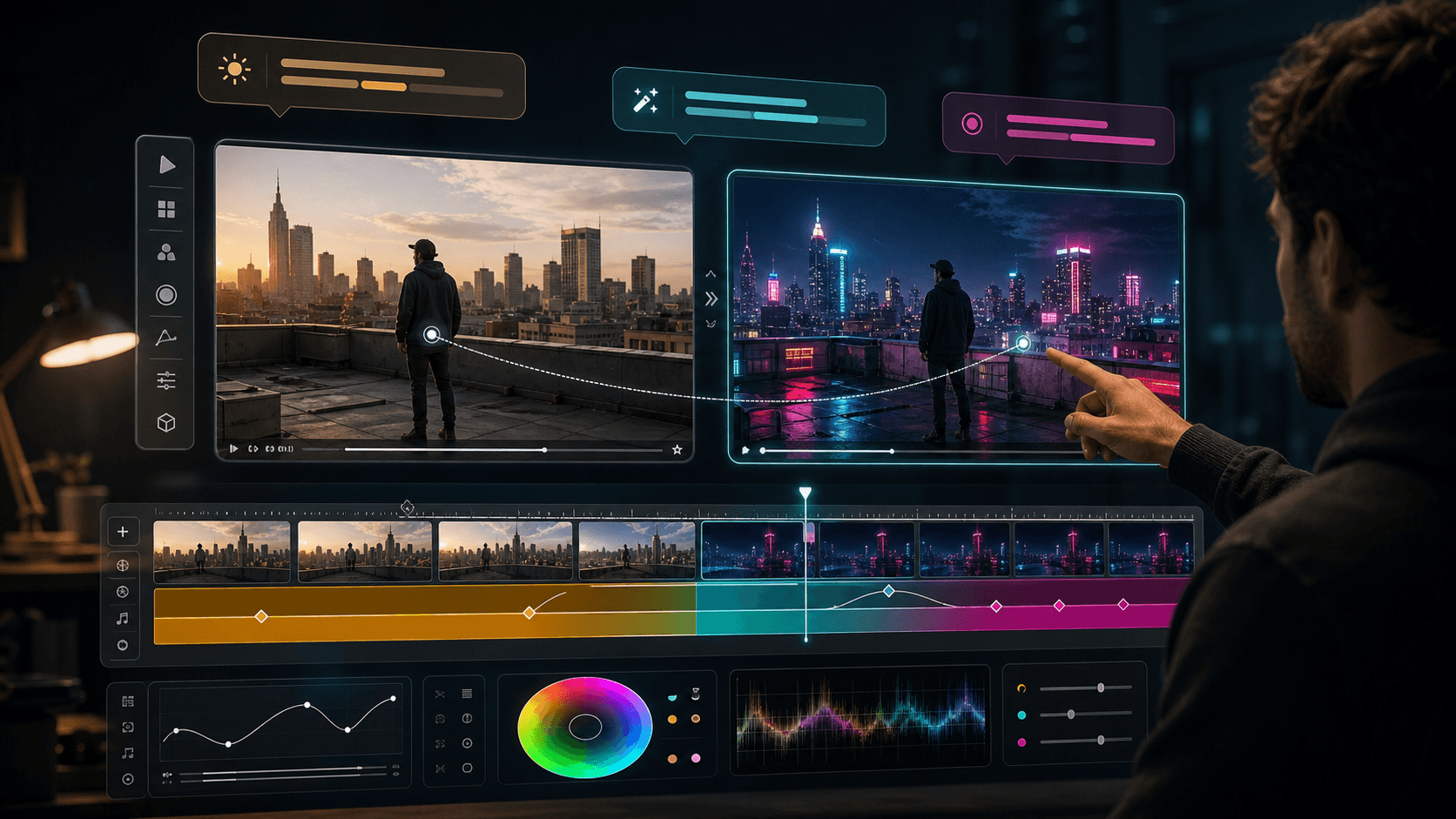
Google Flow presents Omni as a more conversational way to refine video. On MovArt, use that same thinking when writing prompts: specify what to preserve, what to change, and how the next version should differ.
Refine the prompt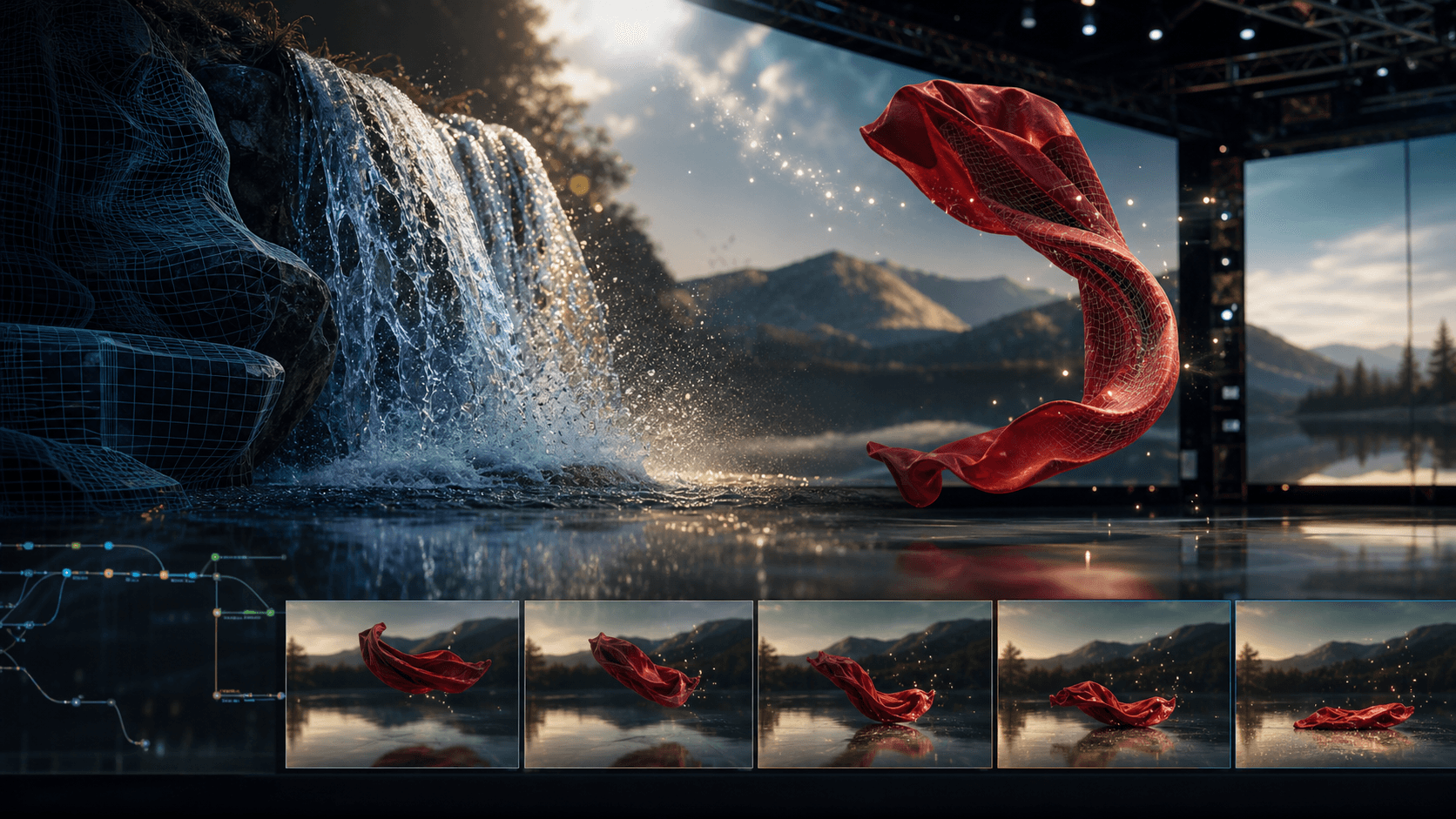
Gemini Omni materials emphasize stronger understanding of real-world context, physics, culture, and story logic. Use that framing for videos that need more than surface-level style, such as explainers, product scenes, and cinematic prototypes.
Create a visual explanationUse Gemini Omni-inspired workflows for short-form creation, marketing, education, product concepts, and previsualization. Start with a prompt or image reference, generate a short clip, then refine the creative direction in plain language.
Creators can turn rough ideas, scene descriptions, or reference images into short vertical clip concepts for Shorts, Reels, TikTok, and launch teasers. The workflow keeps ideation fast: describe the opening scene, adjust the hook, and refine the visual direction before producing more variations.
Marketing teams can prototype product videos, campaign openers, and event promos before committing to a full shoot. Use image references to guide product look, then iterate on background, lighting, camera movement, and mood for stronger ad directions.
Gemini Omni is positioned around stronger world understanding, which makes it useful for planning visual explanations. Turn science, history, design, or technical ideas into clear short-form visual beats for lesson intros, social explainers, or storyboard drafts.
Directors, editors, and designers can test camera angles, action timing, style references, and scene blocking before production. A Gemini Omni-style workflow is useful for moodboards, shot tests, and quick creative alignment across teams.
Experiment with anime, claymation, watercolor, cinematic realism, sketch, or product-ad styles from the same source idea. Natural-language creative direction makes it easier to compare visual routes without rebuilding every variation from scratch.
Google describes Gemini Omni as improving character consistency across scenes. For MovArt workflows, keep this focused on authorized personal or brand assets, and use references responsibly instead of impersonating people without permission.
“The interesting part of Gemini Omni is the creative loop: generate a video, then refine the shot direction, lighting, style, or character details through follow-up instructions.”

Marcus Rivera
Creative Director
“For campaign planning, a Gemini Omni-style workflow is useful because teams can test a product-film idea before spending time on a full production brief.”

Zoe Chen
Brand Strategist
“Multimodal references are the real unlock. Text gives the idea, images preserve the look, and audio or pacing notes can guide the rhythm of the final clip.”

Jake Morrison
Motion Designer
“I like that Gemini Omni is positioned around iteration. The first generation is a draft, and the next instruction gets the clip closer to the final story.”

Priya Sharma
Short-form Video Creator
“The best model pages are honest about availability. A Veo-powered MovArt workflow can explore the creative pattern now while direct Gemini Omni support is evaluated.”

Kai Nakamura
Producer
Still have questions? We're here to help
Try Gemini Omni-inspired video creation in MovArt. Start from text or image references, generate a short video with the current Veo-powered path, then refine your scene, camera, character, motion, and style direction.